WG Tunnel app from F-Droid: Using our VPN on Android
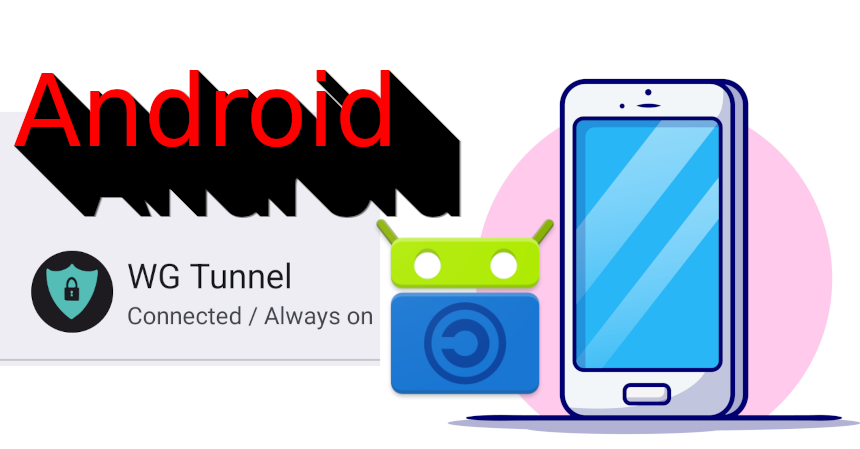
WG Tunnel app from F-Droid.
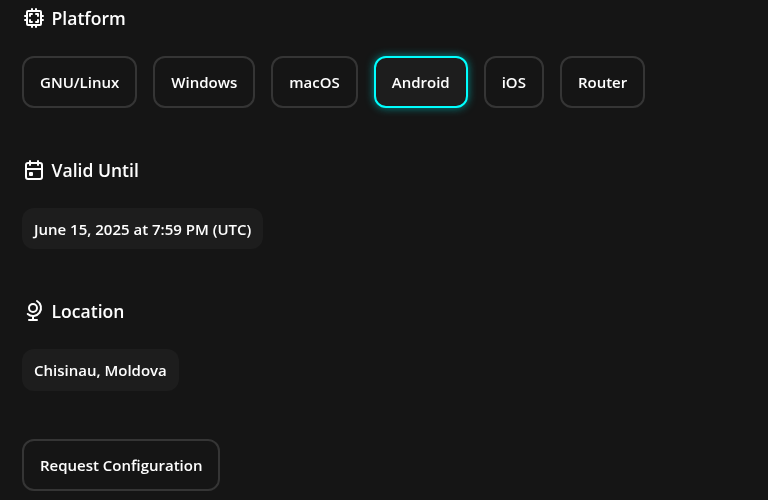
VPN website:
First get a subscription for $1 through our website.

Select Android
And then “Request configuration.
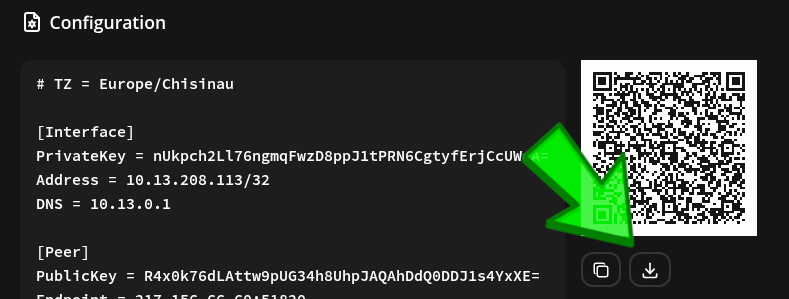
After you pay, it will give you a QR code to scan for the Wireguard config. Or you can hit the save button, and save the *.conf file.
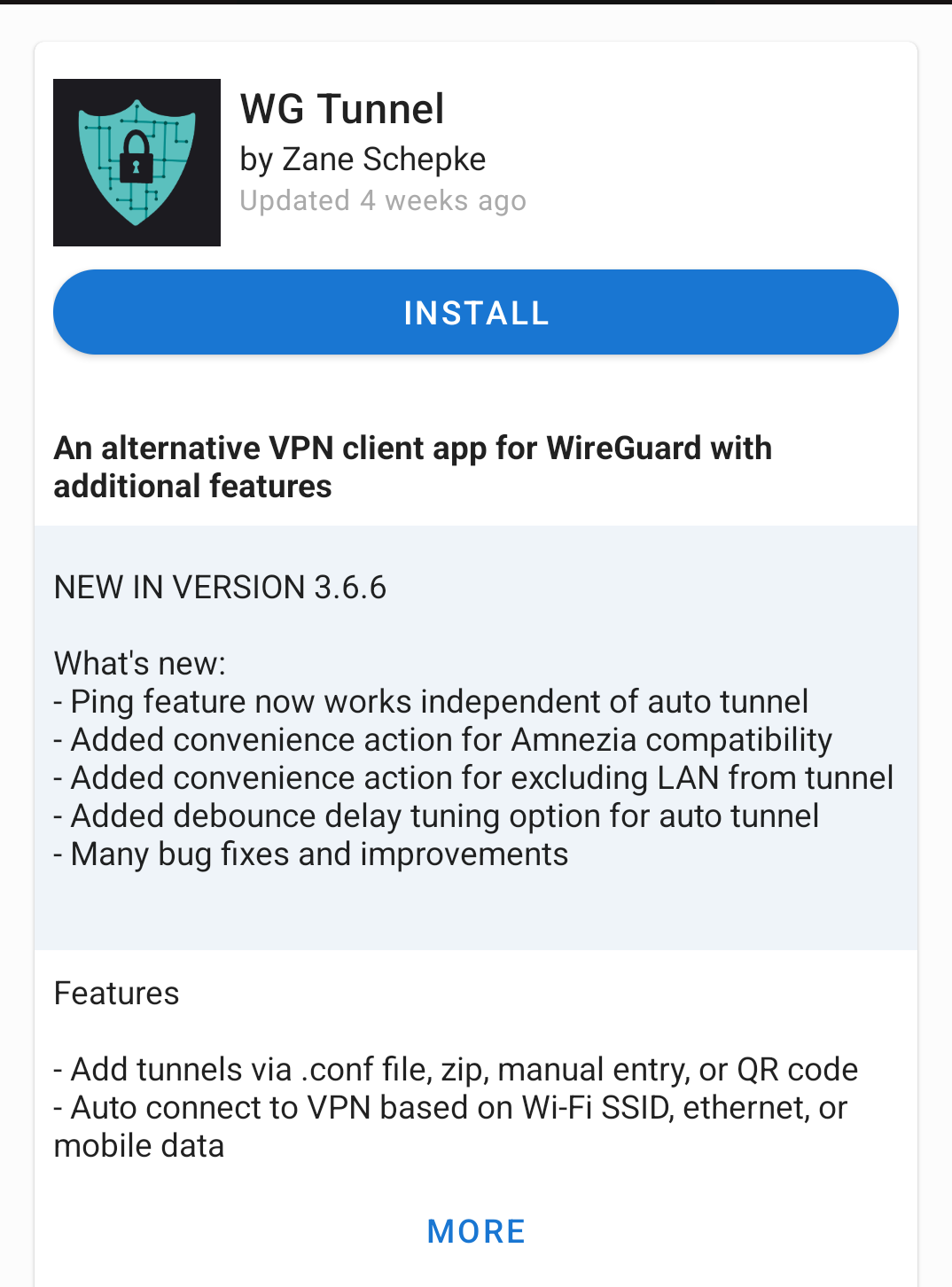
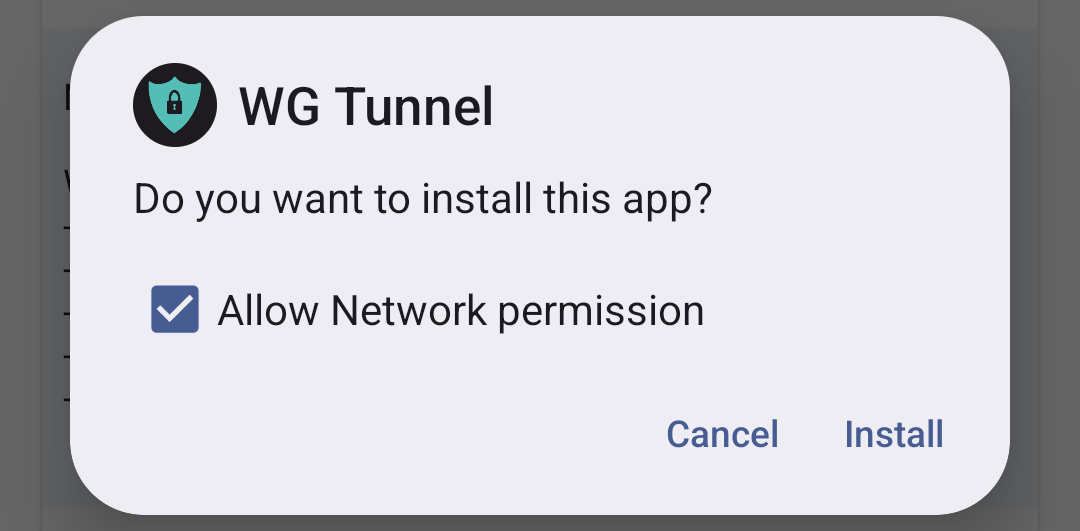
Download WG Tunnel from F-Droid
Allow Network Permission
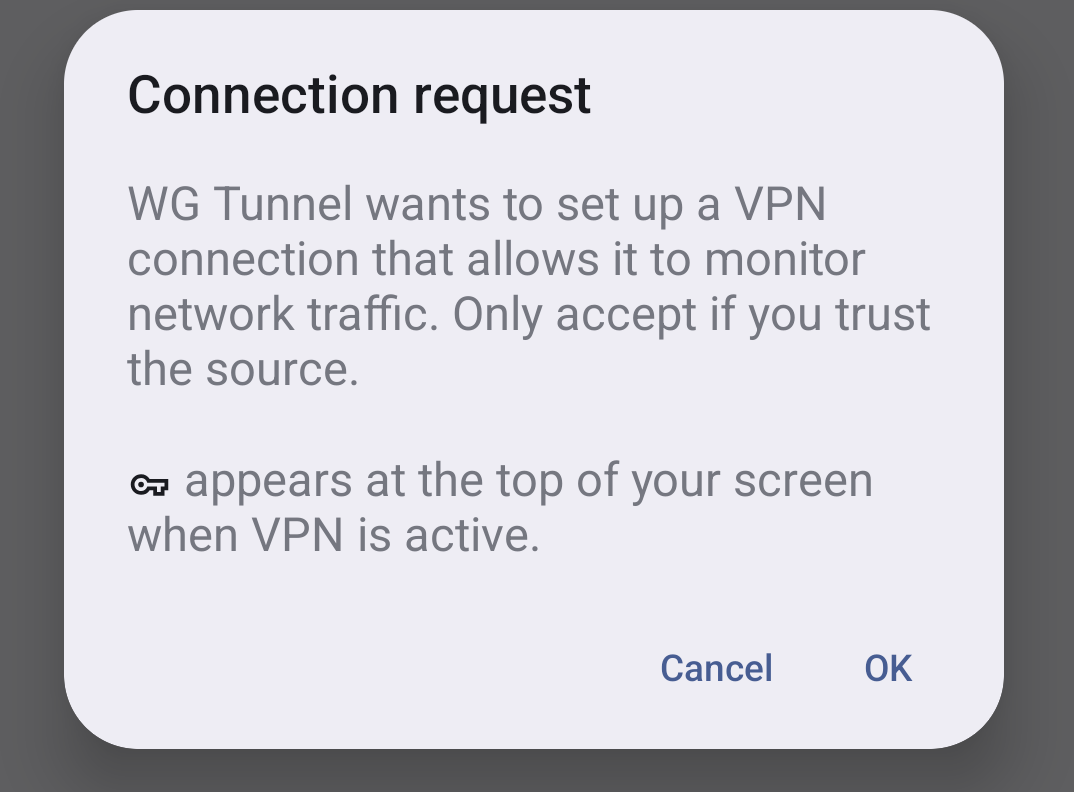
Allow Connection
It will prompt you to allow a connection.
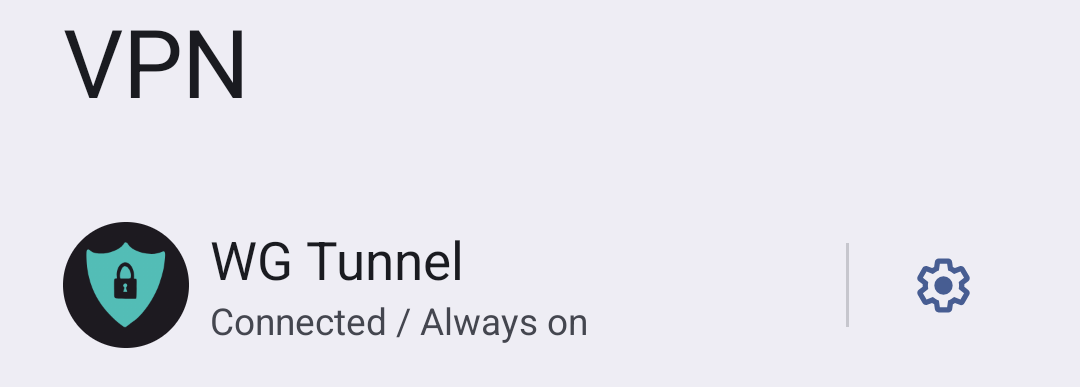
Then in the network settings, set it to always on.
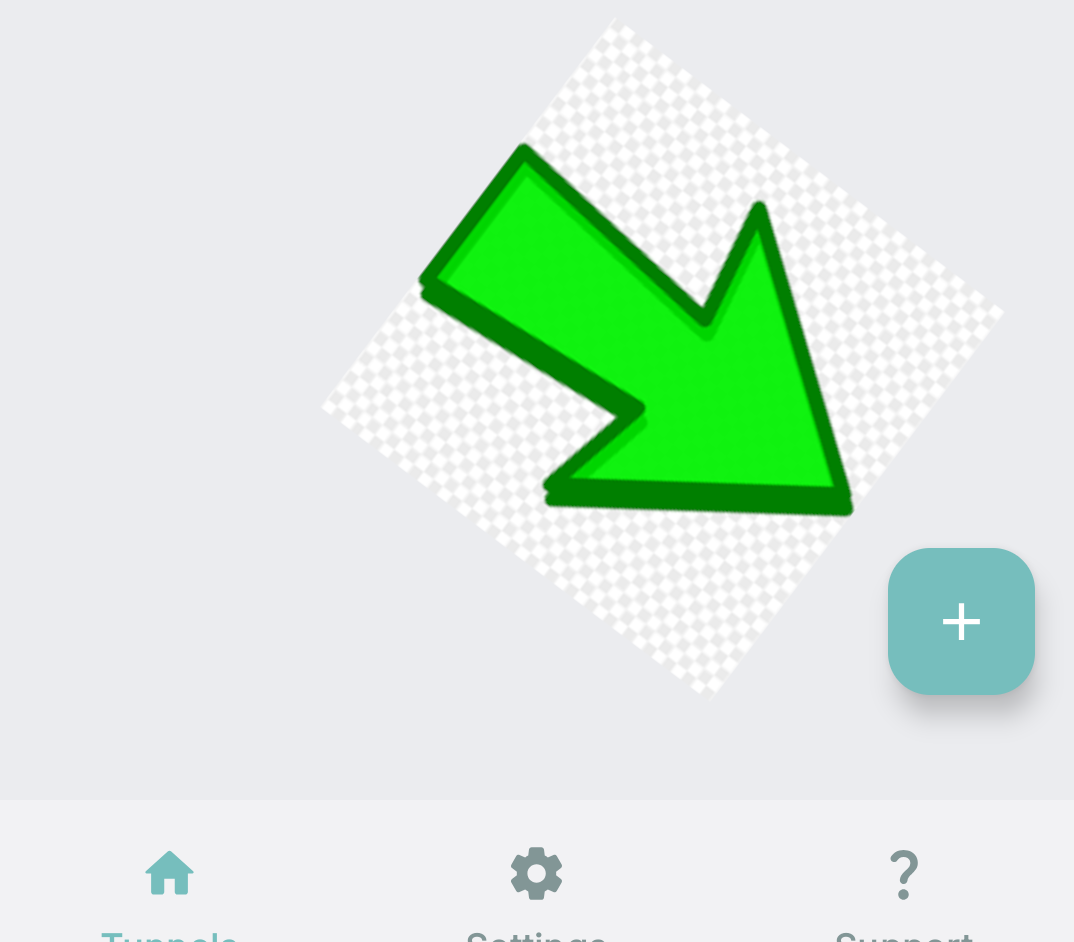
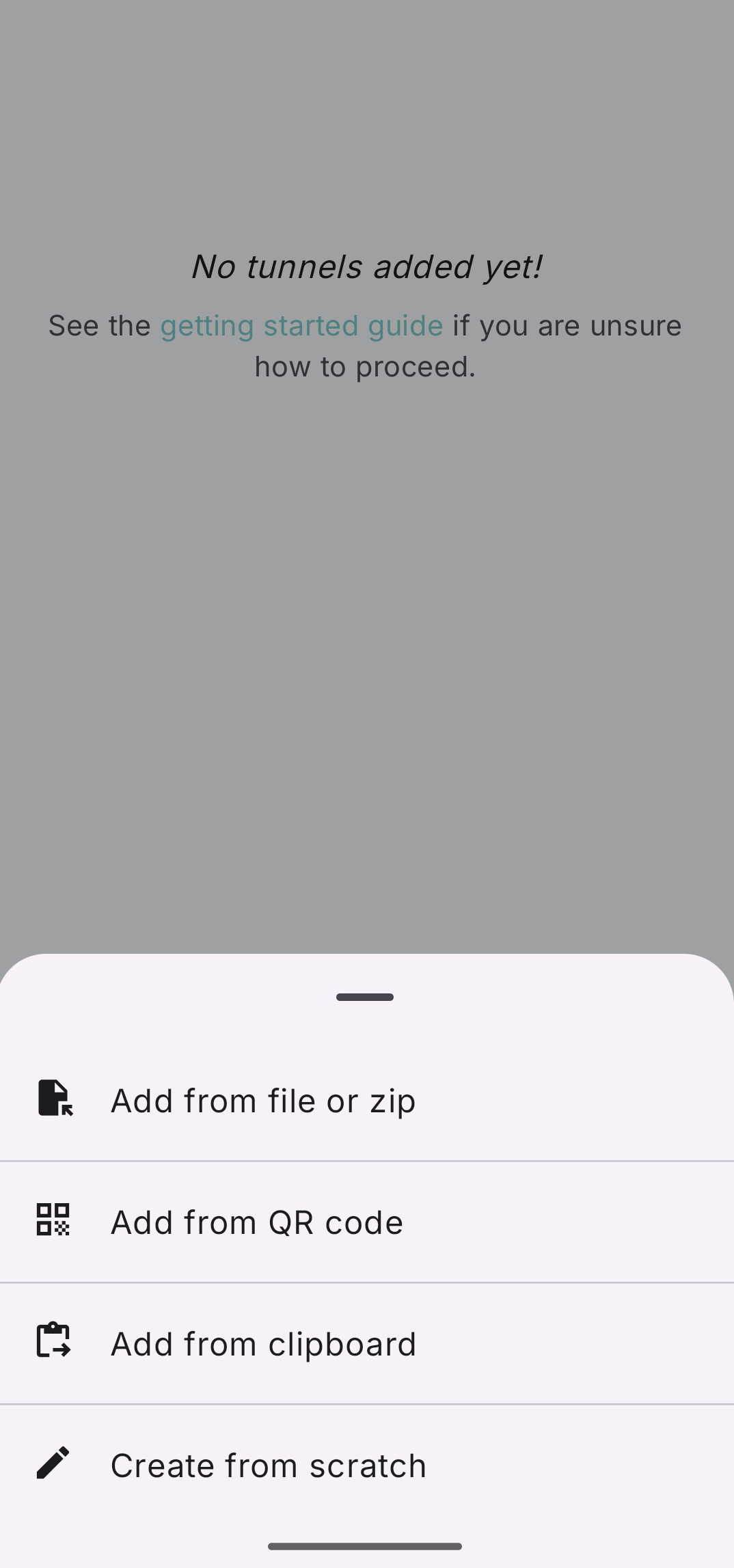
Open the app, then hit the plus icon bottom right
This is to add the WG config
Hit “Add from File or Zip”
And then select your new .conf file. Remember this is a text file that’s named “.conf”. Or you can QR code scan the WG conf.
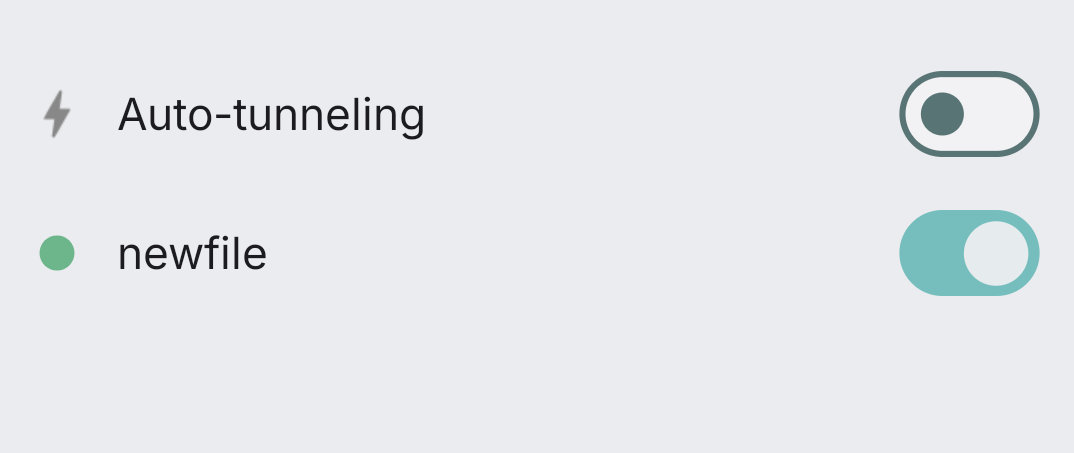
Toggle it on.
Now test it out, go to whatsmyip.com or any IP checker
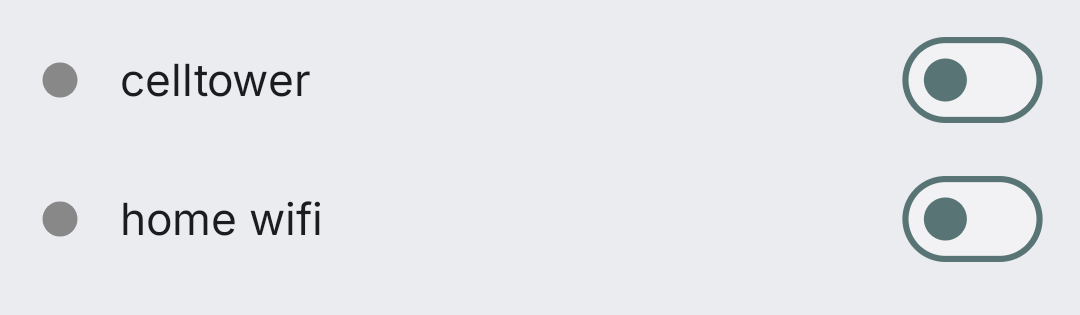
Separated?
Optional: If you want to separate your home Wifi IP, from your Android celltower identity, then you could get two $1 subscriptions and toggle between them. Then we would not know they were the same person. Some will say that’s badass Cypherpunk, others will say it’s tinfoil hat wacko.
If you really want to learn and take your privacy to the next level, Learn about HydraVeil,
Access our VPN, and subscribe to our new content via:
Podcast,
Email List,
Nostr,
Bastyon,
RSS,
or join the Signal Group
Related Posts

Tickets are Now Nearly Instant | HydraVeil 2.8.0
The cryptographic math is now compiled in C.
[SP]
Sep 22, 2026

Identity Respawn | HydraVeil 2.7.8
Now when you delete a profile, you get an encryption-based ticket back, turning you into a new person.
[SP]
Aug 20, 2026

Diamond in the Rough | HydraVeil 2.7.7
A face lift for the API connections
[SP]
Aug 7, 2026

Epic Firewall | HydraVeil 2.6.7
We're laying the foundation for multi-protocol obfuscation with advanced firewall features.
[SP]
Jul 28, 2026