How HydraVeil Works
Technical Deep Dive: The Yellow Paper

Yellow Paper
This is a deeper technical dive into exactly how HydraVeil works. If you’re unfamiliar with topics such as Linux, networking, and security, please see our beginner guides, for basics such as what a socks5 proxy is.
This is not a tutorial:
This level of knowledge is not required for casual use. If you’re looking to use it, please see the tutorials section.
Outline with Links
Intro
Networking
Networking Overview
Wireproxy
Masked Tor
Startup
Sync
Cryptography & Billing Identity
Ticket Cryptography & Identity
Decentralization
Security Features
Filesystem Isolation
DBUS Isolation
Sudo Daemons
Direct Connections
Key Isolation
Fingerprint Profiles
Screen Size
Graphical Isolation
Timezone
Fonts & Canvas
Web Browsers
Server-side
Intro Context
AI
The rise of artificial intelligence has ushered in a new age of surveillance. Because of the flawed nature of web browsers, hundreds of characteristics can be fed into machine learning models to perform analysis of user’s internet traffic. So what was once too vast a dataset for a corporation or government to sift through, can be saved for long periods of time and looked back upon indefinitely for patterns, without requiring large amounts of human labor.
CDNs
With millions of dollars pouring into companies like Fingerprint-com, combined with the centralization of the internet to mega-corporation Content Delivery Networks such as Cloudflare, Google, and Amazon, oversee massive amounts of data. CDNs fingerprint users web browsers, connection speeds, and break SSL encryption.
JavaScript
Big Tech websites have become more and more bloated with scripts, captchas, and surveillance tools. Yet solutions such as Tor Browser, solely rely upon heavily restricting Javascript, and have no magic tech outside of that.
HydraVeil’s Goals
Our primary goal is to provide isolated browser fingerprints that realistically fool known fingerprinters, with minimal friction or negative downsides such as a virtual machine. Our secondary goal is to create a decentralized VPN using “encryption as identity”, where the end-user can pick where and how to use these fingerprint profiles. Our third goal is to provide a secure environment within these profiles, to hinder an attacker from accessing the networking interfaces, filesystem, timezone, or graphical data of the host.
Overview of Environments
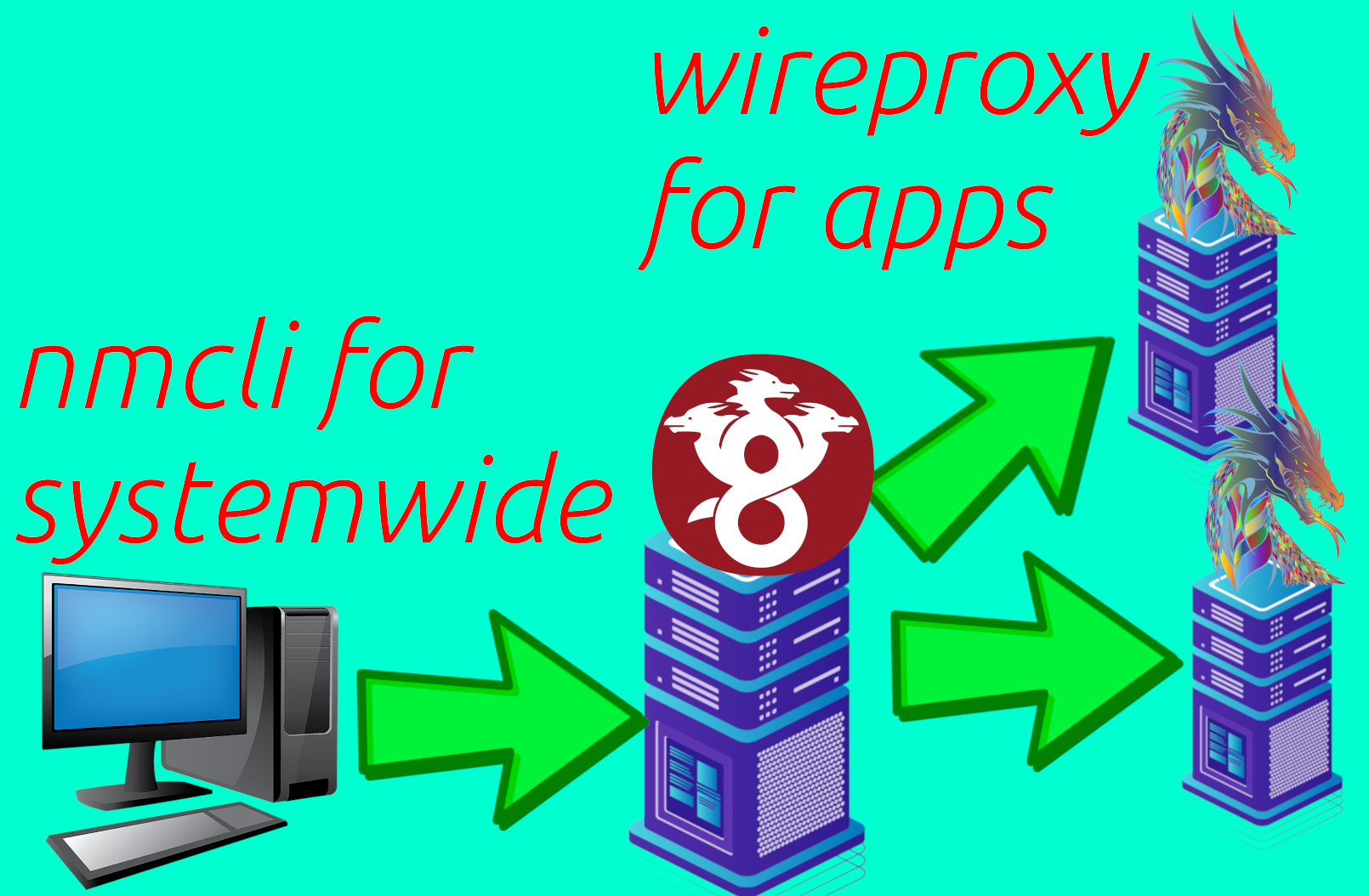
HydraVeil uses a two-layer system, with a traditional system-wide Wireguard connection on the host computer. Then we create a second unique “layer”, using a combination of tools including Bubblewrap, Proxychains, Wireproxy, Xephyr, Cage, and others as described below. This second layer is very modular and dynamic, and is currently networking neutral, so it could be used for Wireguard or routing through Tor. And it’s also “app neutral”, so it could be used for more than just web browsers.
System-wide Layer One
For the systemwide Wireguard connection, we literally use ‘nmcli’. By using Linux’s nmcli at a high level directly, we draw upon pre-existing tools with a proven track record. This provides an easily verified, and reliable foundation for our original layer two work to build upon with little skepticism.
In it’s current implementation, profiles require sudo permission a single time to setup up, and put Wireguard configurations in the /etc/hydra-veil/profiles folder. However, nmcli would not require sudo every single time to enable the same configuration.
Two Layer Networking
For the second “layer”, HydraVeil uses bubblewrap to modify and trick apps into thinking artificial networking files are global configurations. While Bubblewrap is traditionally only thought of a security sandbox tool, we also use it to modify the behavior of applications. Within this artificial environment, apps use the ’localproxy’ that apps believe is happening systemwide. The networking exposed to the app, could be any type of proxy, but the current two choices are Wireproxy or Tor.
Wireproxy
Wireproxy is a pre-made tool, that allows the user to create Wireguard connections as a socks5 proxy, without requiring access to the host’s networking interfaces. This allows the connection to be disposable, but still provide the encryption and privacy of traditional Wireguard.
What Apps See
It’s important to note that Simplified Privacy has created a custom networking environment that exposes Wireproxy. And so within this environment, it’s acting as the ’localproxy’. Therefore, the apps aren’t concerned or aware of what networking protocol is used beyond it being the ’localproxy’.
What Servers See
As far as what data the server operator can see, it’s the same as regular Wireguard. The user’s home ISP can not see through encrypted content, however the VPN operator can. But by having one operator for system-wide Wireguard, and another operator for Wireproxy at the layer-two application level, the user is anonymous to the second-layer’s operator. And the first operator can not see the traffic.
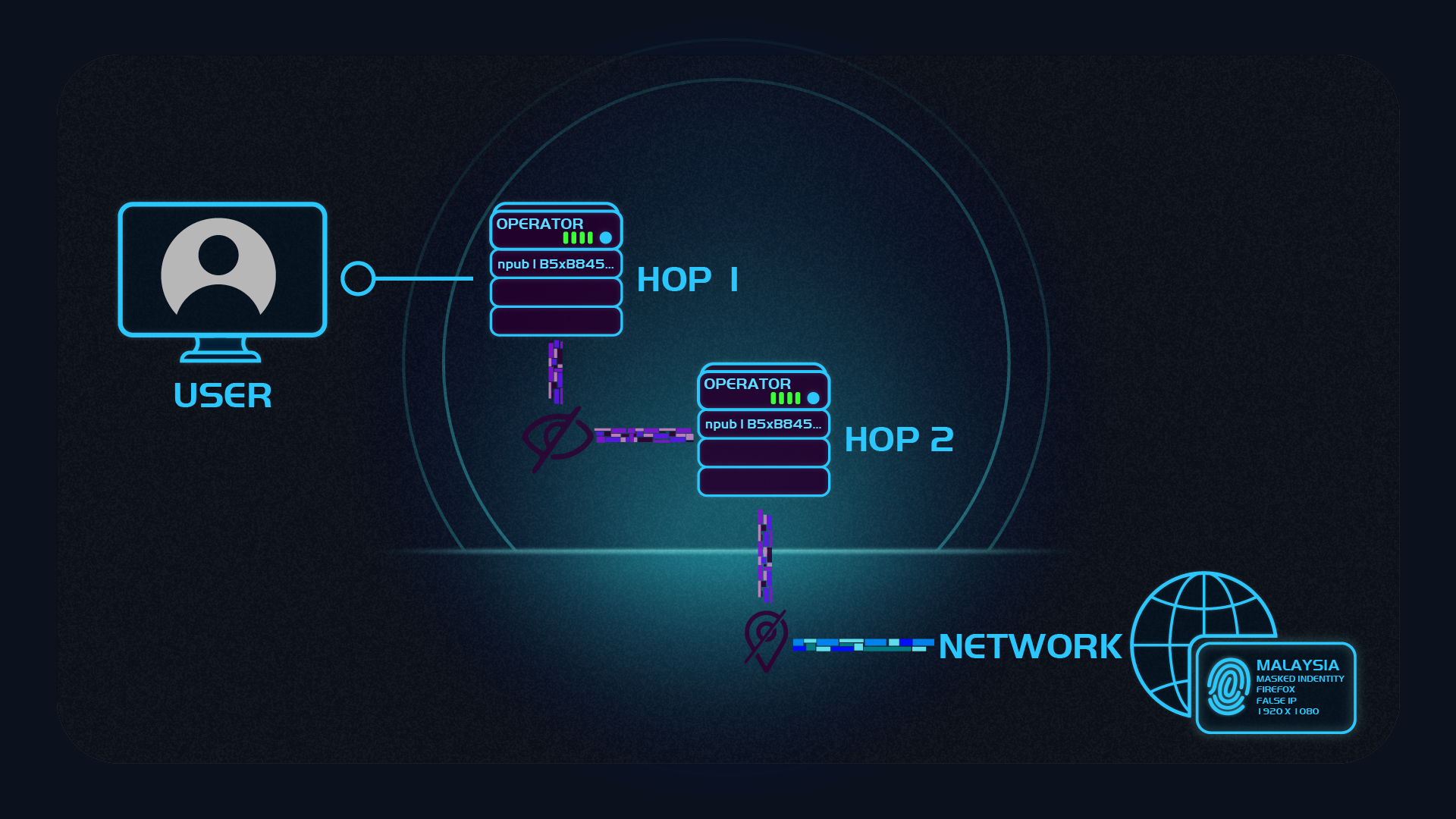
But how does the end-user know it’s really different operators for each layer? This is where “encryption as identity” comes in, and we link ed25519 keys to the decentralized social media Nostr. Please see our Operator Encryption section.
Masked Tor
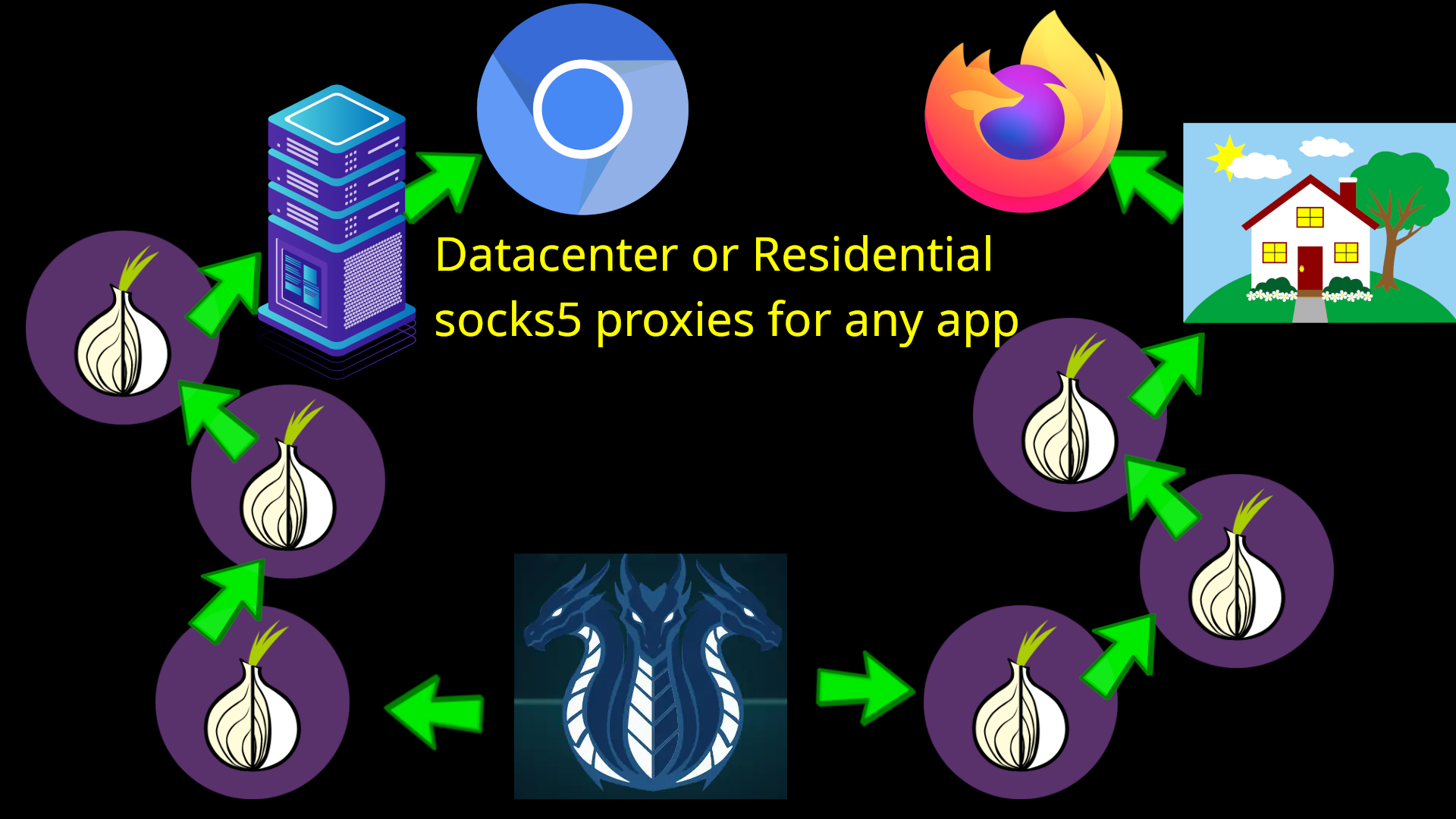
If the user still prefers Tor networking, HydraVeil also offers a “masked Tor” option. This allows the user to first pass through 3 hops of Tor, then exit to a socks5 proxy using Proxychains and microsocks.
return subprocess.Popen(('proxychains4', '-f', proxychains_configuration_file_path, 'microsocks', '-p', str(proxy_port_number)), stdout=subprocess.DEVNULL, stderr=subprocess.STDOUT)
From ConnectionController in the core libraries.
This hides from the website that the user is using Tor, while also giving fingerprint protection without Javascript restrictions.
Freedom of Choice
Additionally, many criticize the Tor Project’s team for using Mozilla’s Firefox as the only base, when Chromium based browsers are considered to have better support from websites and more advanced security. Numerous tech journalists criticize Mozilla’s focus on AI and social justice causes, over security.
However, if users stray away from the official Tor Browser, they expose themselves to fingerprinting by going against the herd. With HydraVeil’s numerous isolated profiles, it not only can users effortlessly bypasses Tor IP address blocks, and Javascript requirements, but also separate the chains between Mozilla and Tor.
Stateful Tor sessions
HydraVeil makes no internet connections on startup to avoid metadata leak of different profiles. But if the user enables a Tor profile, or connects to the billing server with Tor billing mode on, then it first bootstraps Tor and and saves the state. This allows new Tor circuits to be created for other app/profiles or billing connections, but without having to bootstrap Tor each time.

Overall, this increases speed and convenience, but without the burden of bootstrapping Tor each time. While it still gives the privacy new Tor circuits for each profile or app. For further details, please see the commit.
Startup Calls
When the HydraVeil app starts up, it doesn’t make any calls to the internet. And when a profile is enabled, it first tries to directly connect to that profile. This is so the user can effortless manage their different identities in a controlled way. And can allocate that trust to different operators for isolation.
1 Config = 1 Profile
Under the current implementation, a single Wireguard configuration is tied to each profile. The user can renegotiate a new configuration with the billing server, but this would invalidate the previous configuration tied to that billing code. This allows for simplicity and ease of separation of profiles.
Sync
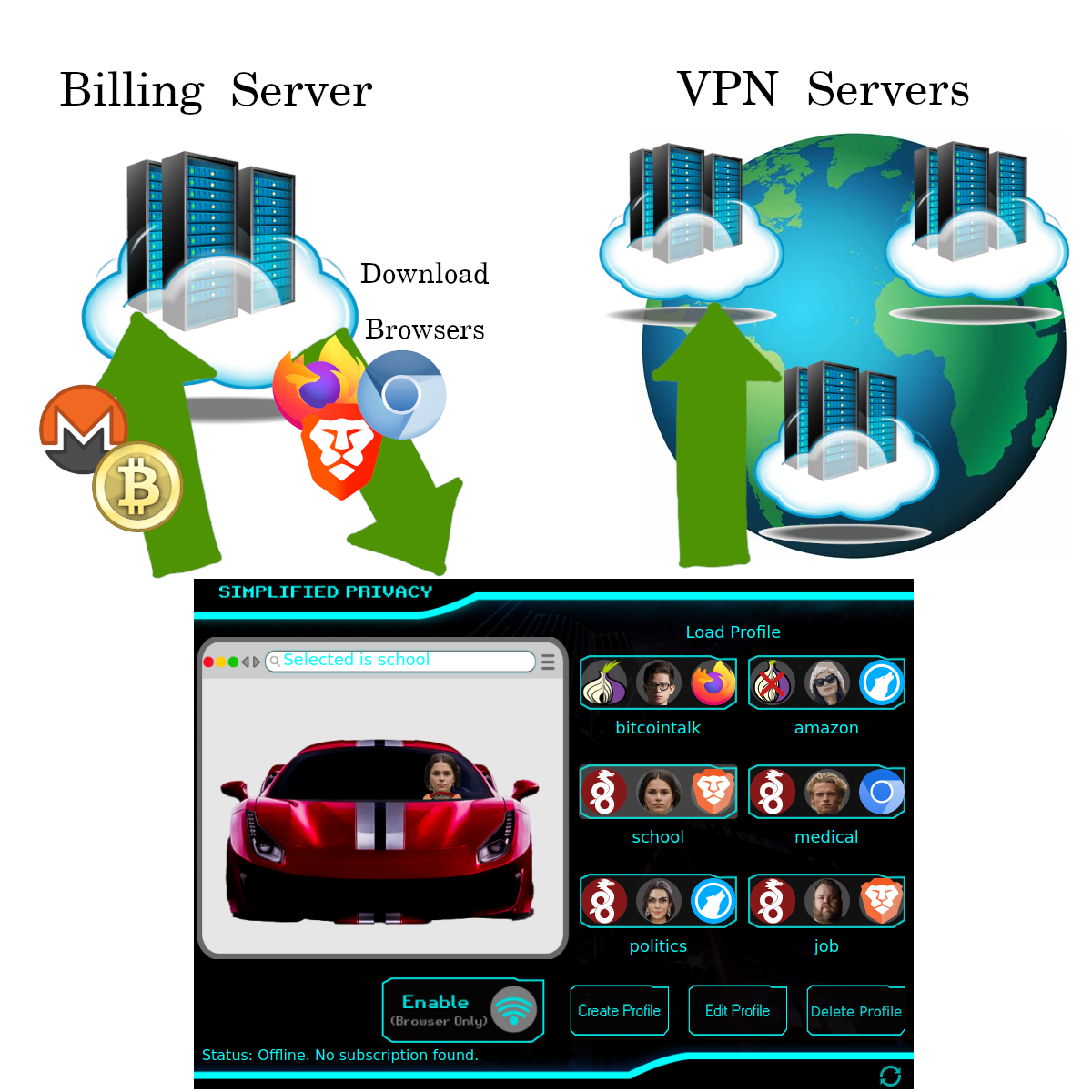
Sync is the processing of getting the latest data from the billing server, such as which locations, operators, billing plans, and apps such as web browsers are being offered. Sync is currently destructive, and overwrites the existing data on the user’s local machine. Sync does NOT upload any data about the user to the billing server.
Tor Sync
Because HydraVeil offers the possibility of having different profiles for the purpose of isolating identities, there is a large chance the end-user will be interested in hiding the setup of these profiles from the billing server. Especially if the Wireguard node is run by an operator other than Simplified Privacy. For this reason, there is the possibility of using Tor to sync. The ability to use Tor to sync is offered even if the profile being setup uses Wireguard (and not Tor).
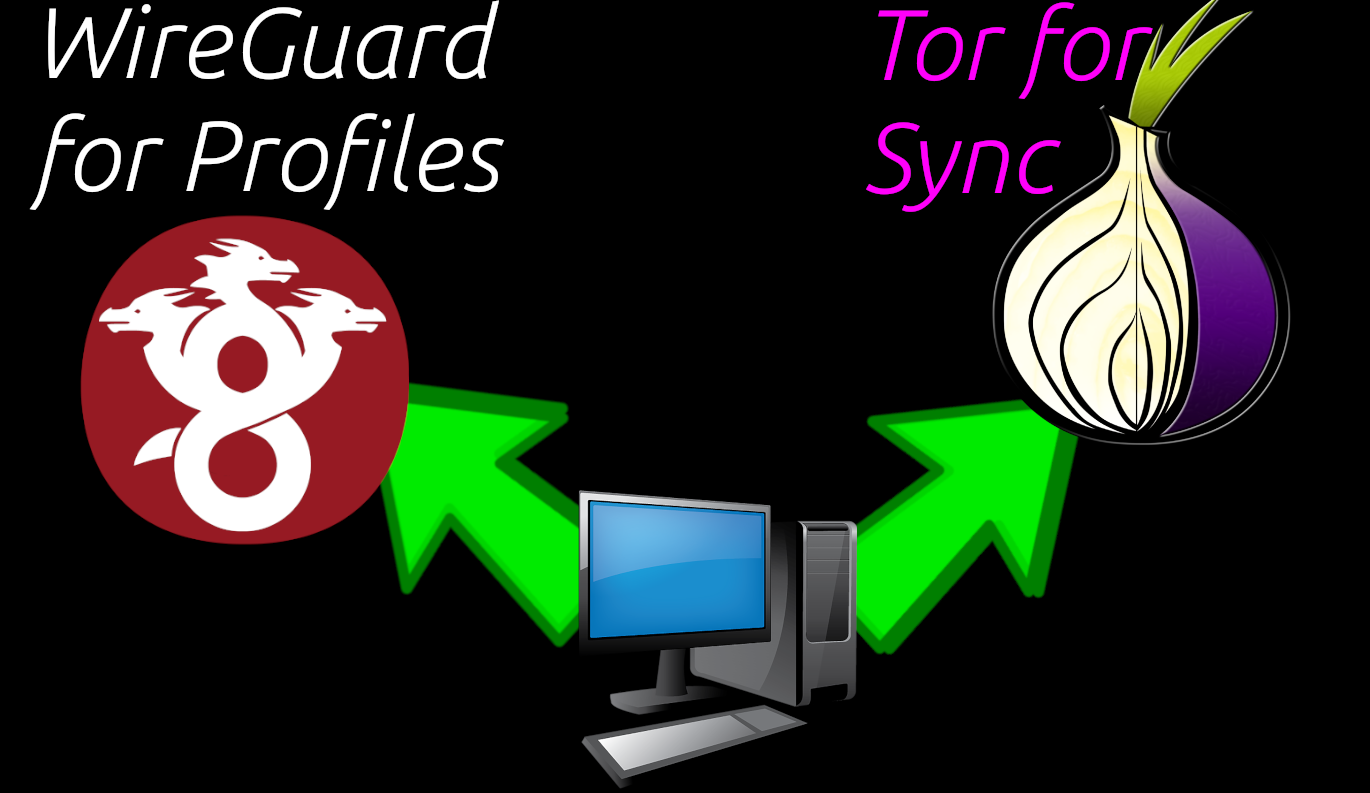
Tor sync follows the same bootstrap and state processes as Tor profiles. And the same bootstrap setup can be used for both Tor->socks5 app profiles, as well as Tor Sync. This would use the same setup, but different circuit paths.
Cryptography & Billing
This is the more advanced version, for the easy basics with memes please see the intro article.
Premise
HydraVeil allows the user to isolate parts of their life with different profiles. But if this was all under a single billing ID that would centralize information about the user to the billing coordinator. However, expecting the end-user to manage multiple subscriptions across devices can be an inconvenient burden. This is why HydraVeil offers cryptographic billing, so the end-user can make a single payment for a longer time period, yet still have each profile and device completely isolated and anonymous from the rest.
Technical Implementation
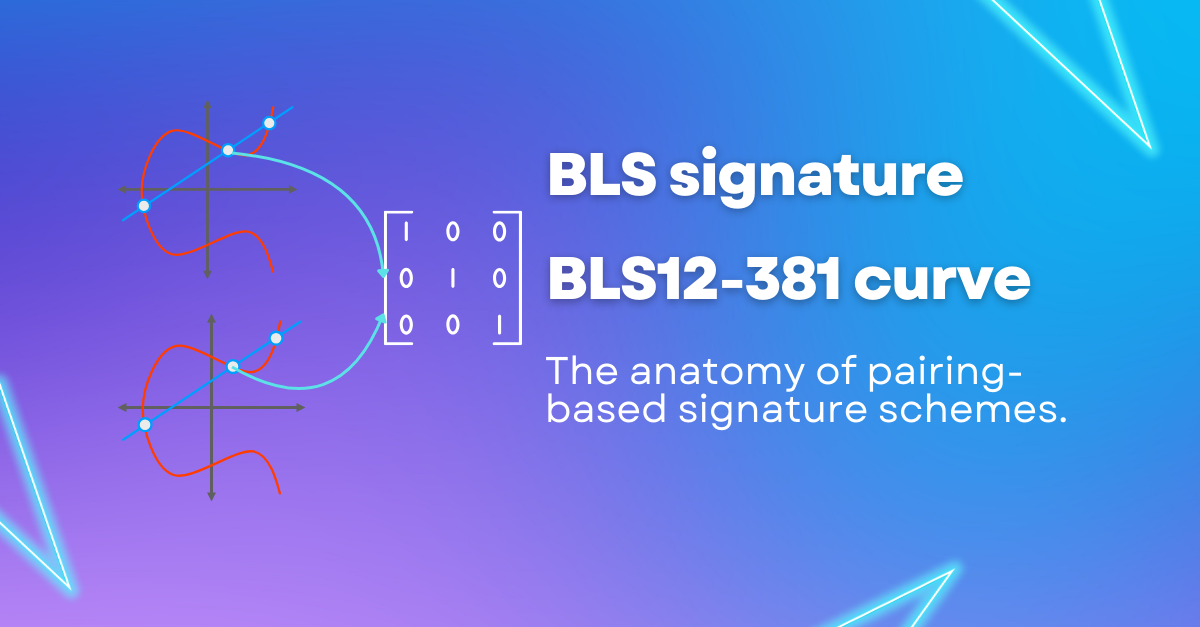
Specifically HydraVeil’s billing system uses BLS12-381 keys, with the pairing equation, implemented in Python using the py_ecc library. We use Miller’s Pairing equation for signature verification. And Scalar Multiplication to blind the commitments.
Brief Overview of Flow
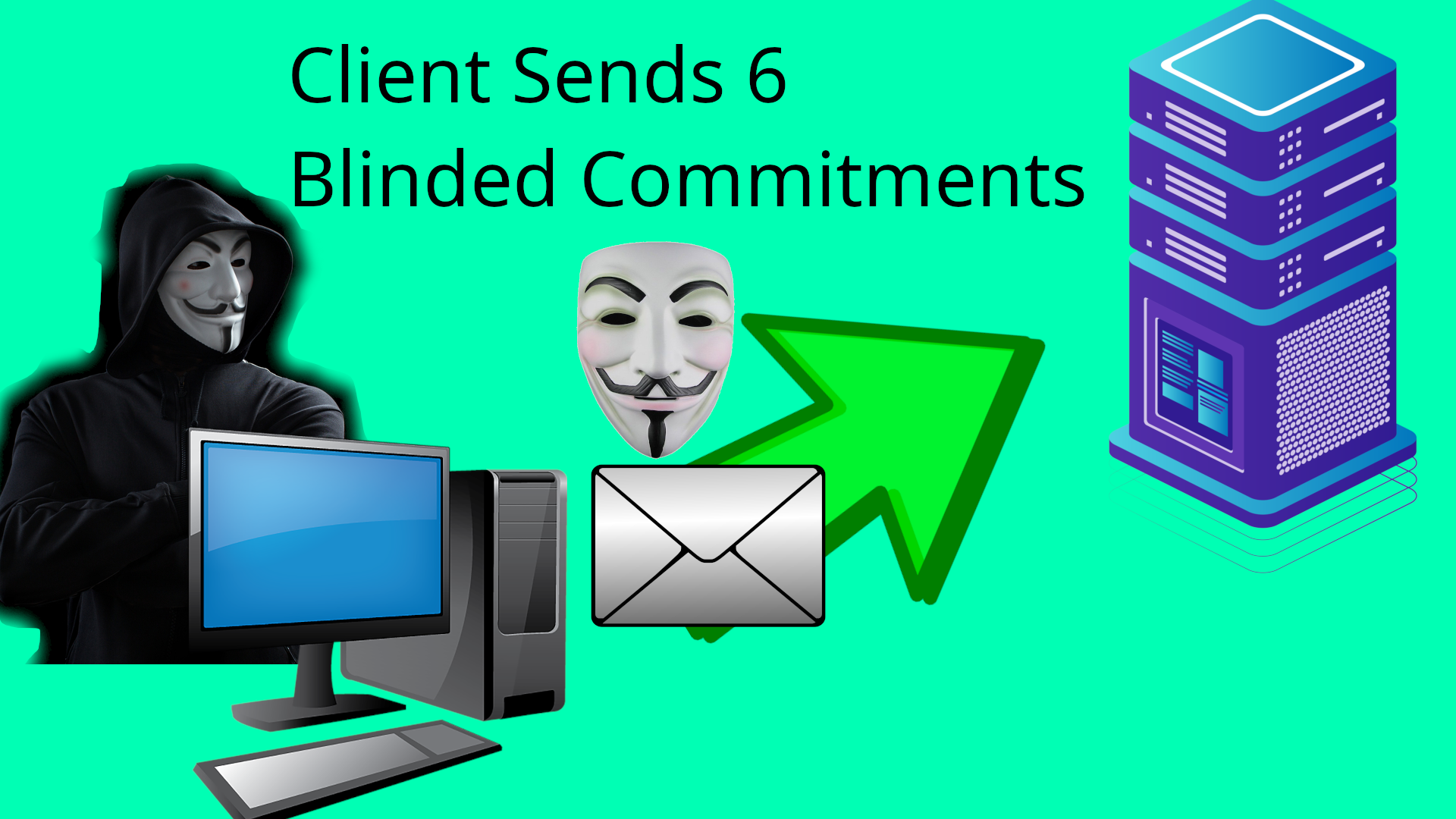
Send Blinded
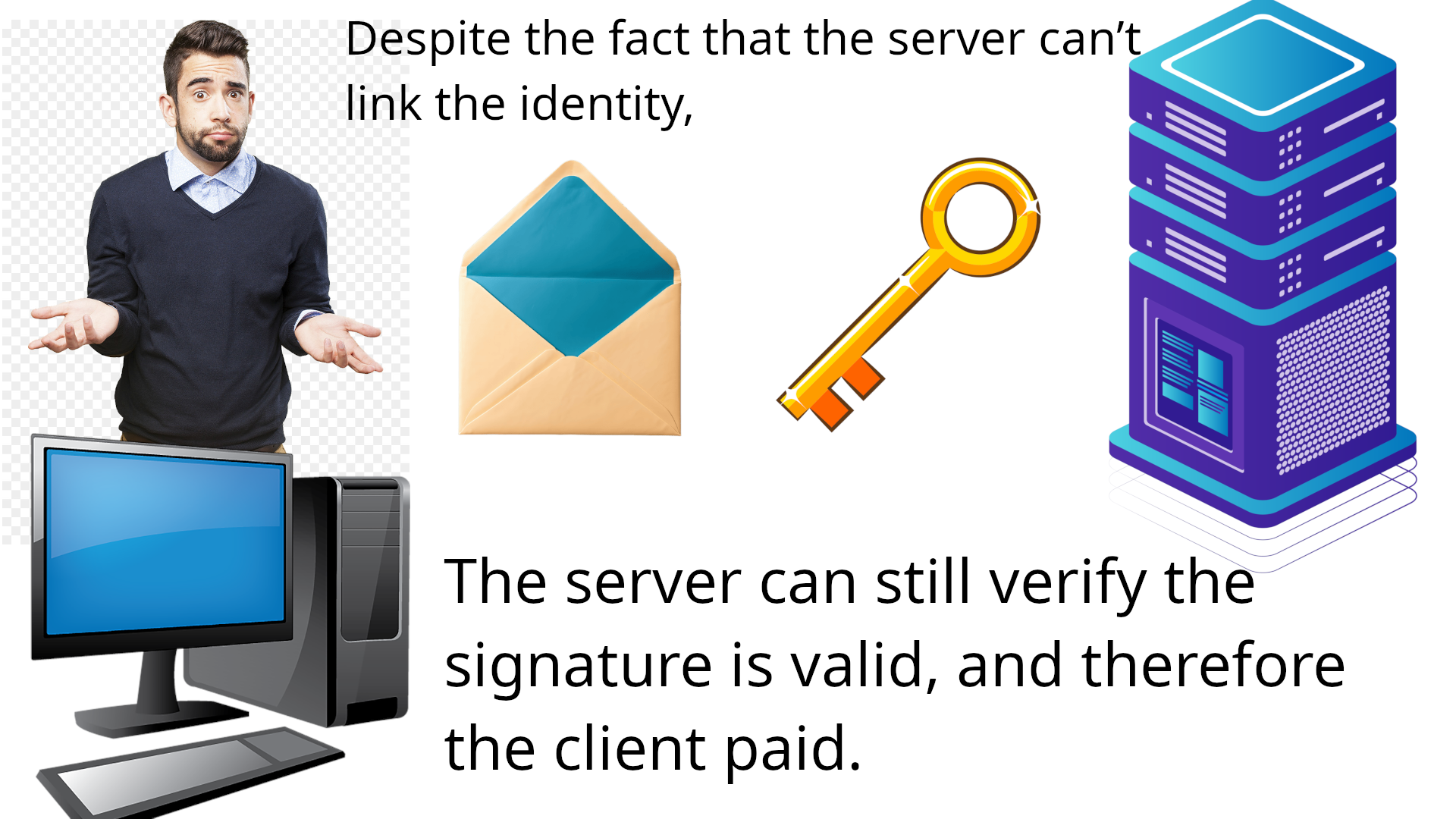
Client generates 6 commitments, blinds them, and then sends the blinded ones to the server.
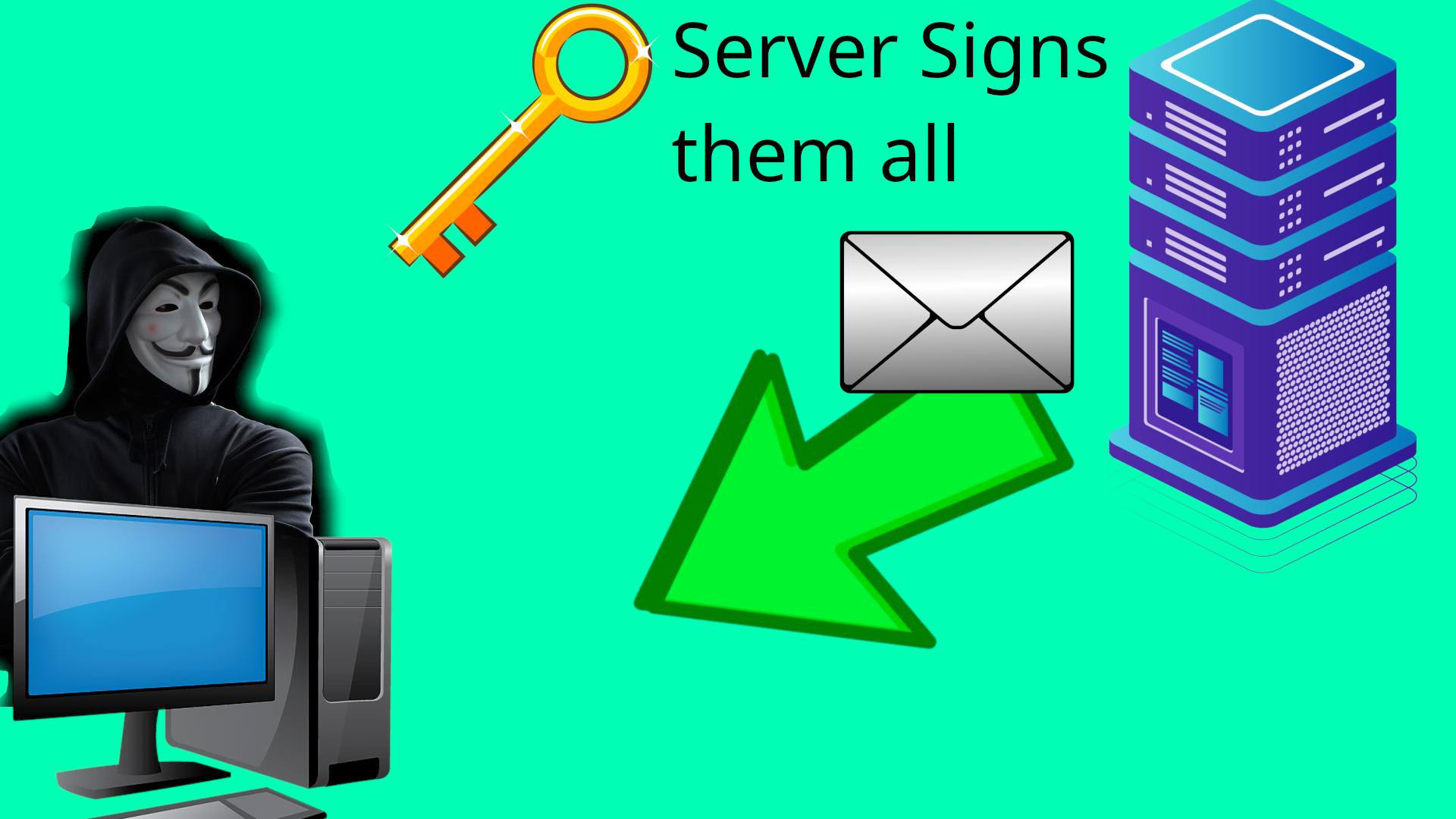
Sign Blind
After paying, the Server signs them all separately (but returns the data aggregated as a single JSON)
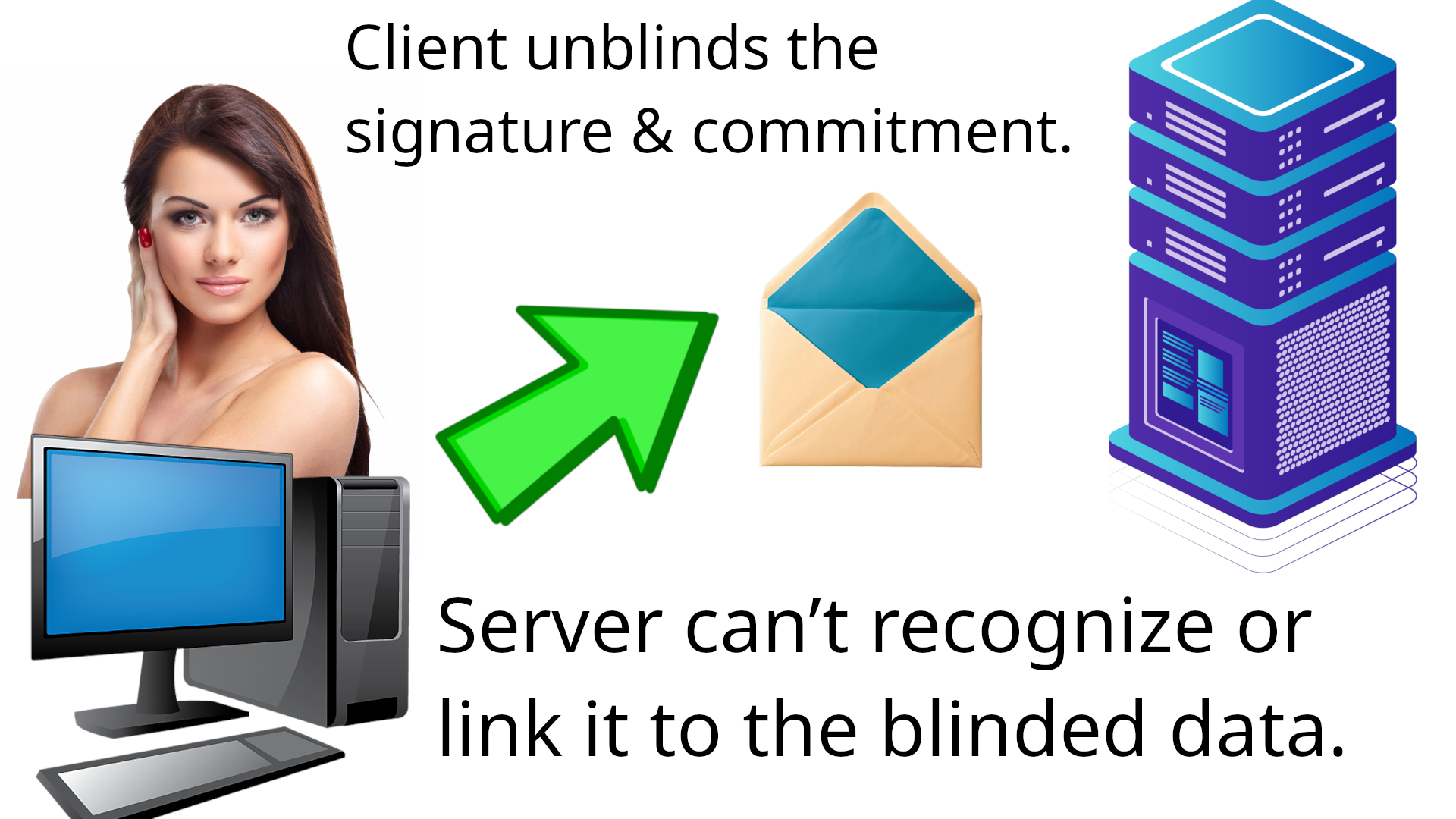
Unblind
The client unblinds the server’s signature. And puts this unblind signature in a JSON together with the original unblinded commitment as a “ticket”. At any time, the client can use the ticket, to get VPN access for a single profile.
Verification:
To verify the ticket, the billing server uses Miller's algorithm (see below). The exact same formula also exists in the HydraVeil client to verify the server’s blind signature is legitimate.
Scope
Let’s discuss what the project aims to achieve, and what we are currently unable to hide.
Does Hide:
Our primary goal is to isolate the profiles/tickets from one another, as well as seperating the payment from the use.
HydraVeil is able to defeat subliminal embedded messages, key switching, side-channel attacks involving time, use sufficient randomization, and present reasonable anonymity to the billing server under nearly any conditions.
does NOT hide:
But once a ticket is used, going forward, repeat uses of the same ticket are known as the same person. However, reusing the same Wireguard key for a given profile, would do this anyway, so hiding repeat use is currently out of scope for our project.
When Tickets Are Used
Additionally, if multiple tickets are used at the same time, it could potentially connect them in the eyes of the billing server. This is NOT something we can realistically prevent using cryptography. The HydraVeil client does offer billing through Tor to give new IP addresses to each ticket use. But to provide true anonymity, the user would have to randomly use tickets over time, and not all at once.
Verification
To verify the final signature on the unblinded commitment, the billing server uses Miller’s elliptic pairing algorithm with BLS12-381. Let’s understand the history behind this.
What’s a Pairing?
Pairings are a special family of elliptic curves with a specific slope to allow two groups to be compared. In this case, the message and the public key are in different groups. This has amazing properties for enabling privacy and signing many messages at once.
Pairings Invented by Miller
This formula was originally created in 1986 by Victor Miller [1], the father of pairing elliptic cryptography. Miller’s big revelation was to make pairings validation checks computational feasible, by delaying finishing it until later stages. Prior to Miller’s revelations, pairings could not be used in the real world practically. We’ll see Miller’s formula below, but first we should first learn about the form that we’re using Miller’s in, which is with shorter signatures called “BLS”.

Shorter Signatures (“BLS”) - (2001)
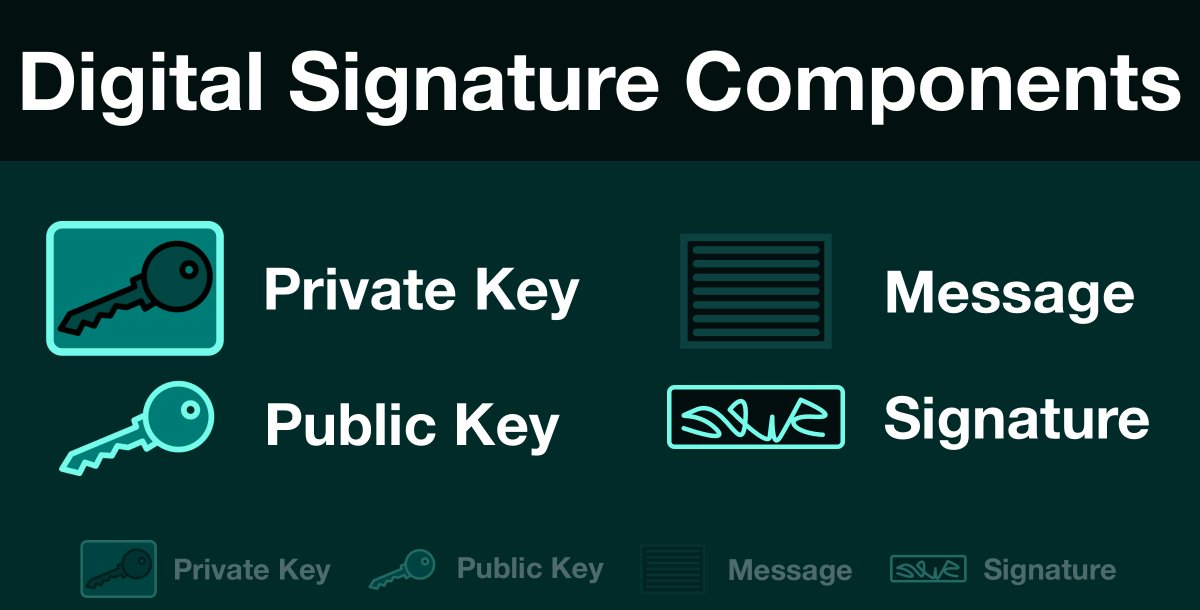
15 years after Miller’s initial papers were published, a trio of cryptographers Boneh–Lynn–Shacham “BLS”, dramatically improved Miller’s original algorithm. They managed to make the data shorter, by allowing hashing of messages, and also the signatures and commitments to be points on an elliptic curve. [2]. This set the academic framework for many projects to use pairings over the next 20 years, leading to the modern use in cryptocurrencies like Zcash, Ethereum, Polkadot, and Filecoin.
Zcash Invents BLS12-381 (2017)
While the foundations for pairing we created many years prior, Zcash’s founder introduced BLS12-381 [6], which was specifically tailored for faster performance. While Zcash eventually switched off BLS12-381 in a future upgrade, the optimized curve got use in other cryptocurrencies and industries such as medical privacy.
Ethereum Adopts It (2022)
By 2022, BLS12-381 had gotten mainstream attention. Ethereum’s upgrade to Eth 2.0, saw the start of it using the curve for validator nodes. Ethereum does not use BLS12-381 for privacy, but for the scaling benefits pairings offer. Because pairing elliptic curves can sign multiple notes at once, which is very important for a validator node.
HydraVeil
HydraVeil uses Miller’s formula, through the Ethereum foundation’s py_ecc library, with their Python implementation of the pairing function. All the underlying math is done by this Ethereum library, and Simplified Privacy is only handling the inputs in the proper format. This is good, because “rolling your own crypto” is hard. And we don’t gain anything by reinventing the wheel here.
Not Blockchain:
Note: HydraVeil does NOT literally use Ethereum’s blockchain or cryptocurrency. We use their library to do math.
Why Ethereum’s Library?
While Zcash originally developed the BLS12-381 curve, the actual Zcash protocol switched off it. So we didn’t want to use a library that had a high chance of not being maintained in the future. On the other hand, Ethereum is a large and well-funded project, with a high-value current use-case for validator nodes, and thus making it very likely to be maintained in the future.
We are not ruling Arkworks out for a future potential Rust rewrite, but Arkworks relies upon free community support. And Arkworks’ Discord server has a low amount of contributors answering questions, which often aren’t in their documentation.
Why Python?
Ethereum’s Python and Rust versions use the same underlying math formulas. We use Ethereum’s Python version, and not their Rust version, because we (Simplified Privacy) are the adversary. So Python’s interpreted nature makes it impossible to hide the source code. Anyone can rip open our AppImage and inspect that the code is what we claim it is because it’s pure Python.
While Rust can in theory compile to a hash, in practice, the underlying dependencies change, so it is outside the control of the developer to promise verifiable rebuilds. Rust is often used by other developers to keep you safe from external actors. While HydraVeil’s encryption is to prevent us (the developers) from collecting data on which profiles are you. Under that threat model, Python’s forced open source nature, provides greater transparency to our project.
While it’s true that Python can’t keep “constant time”, this is not a problem for HydraVeil, because it prepares all the tickets at once, and then uses them over time. Given the “offline” nature of the cryptograhic operations, there is no repeat decryption to measure time against.
Python Random:
The fact that Python’s default random library can not generate secure random numbers is not relevant, as we use the os module using the operating system’s underlying random features.
Future Mobile
In the future, we will evaluate how well this performs with a mobile app, to see if we may have to switch to a Rust version. Users can currently cash tickets in via the web app for mobile or routers, but must generate them in HydraVeil’s desktop app to begin with.
Used Correctly?
How do we know that Simplified Privacy is using Miller’s formula correctly? The first answer to that question, is that it doesn’t even matter. This formula is what the attacker does to verify it. All that matters is what inputs the attacker (billing server) can see.
The second reason you know Miller’s was done correctly, is because the signatures verify under the conditions they are supposed to (actually signed), and break under the conditions they are supposed to (not signed or forged inputs). This would be mathematically impossible unless we were using the verification formula correctly.
And the third reason is that the HydraVeil client uses the same code and Miller’s formula as the server does to verify it. HydraVeil uses Miller’s to verify the server’s blind signature is legitimate for for the public key. The billing server verifies it’s unblinded signature when the ticket is finally used.
Verification Formulas
Inputs
Where: commitment, signature, public_key, and G1 are all x and y coordinate points on the elliptic curve.
And:
commitment = unblinded commitment
signature = billing server’s signature (originally signed on the blinded commitment, but has now been unblinded with the same secret)
G1 = constant point for the py_ecc library with BLS12-381
public_key = the billing server’s BLS12-381 key
Then,
The Pairing Equation:
e(signature, G1) == e(commitment, public_key)
How do we know that this formula can’t deanonymize users? Because substituting any of the inputs in the formula breaks it. And this formula is ONLY MEANS to verify signatures or results.
This BREAKS it:
BREAKS:
e(BLIND_signature, G1) == e(NOT_blind_commitment, public_key)
You CAN’T swap the blind signature in there, to go with the unblind commitment message, because then the verification fails. Or vica-versa. That signature doesn’t match with that commitment.
You can’t swap G1, it’s a constant.
You can’t swap the public key, or the whole thing is meaningless.
Given that Miller’s formula is the only validation tool, the adversary has no means to even test deanonyizing users. Swap anything and it breaks.
We just described the final validation, but how does blinding actually work?
Blinding / Unblinding
HydraVeil uses age old techniques that come from the godfather of anonymity.
David Chaum (1982)
In 1982, David Chaum pioneered cryptographically anonymous unlinkable payments. His revolutionary paper “Blind Signatures for Untraceable Payments” [3], laid the foundation for using scalar multiplication to give anonymity to a signed message and/or signature. His techniques have proven to stand the test of time against the most rigorous academic studies.

Chaum-style on Elliptics
While Chaum originally used RSA, extremely similar techniques with scalar multiplication have also been done with elliptic curves. One example of this is a 2010 peer-reviewed paper from Constantin Popescu that (literally and openly) cites Chaum and copies his original mathematical style to work with elliptic curves. [4]
HydraVeil’s use.
The HydraVeil Client blinds the commitment using the same scalar point elliptic curve multiplication. It’s through the “magic of pairing cryptography” that there is no link between the unblinded commitment and blinded commitment, or unblinded signature and blinded signature.
Raw Math:
For BLS12-381 specifically, scalar multiplication happens in the scalar field (integers modulo the curve order),
blind_C = blinding_factor ⋅ unblinded_c
Python with py_ecc:
unblind_commitment = multiply(G2, commitment_input)
Unblinding
The client is able to unblind the server’s signature, using the same blinding_factor factor that initially blinded the commitment.
Raw Math:
S_unblind = blinding_factor^(-1) · S_blind
How do we know this is secure? Because the only relationship between the blind and unblind data is if you know the “blinding factor”. And to solve for that number requires breaking elliptic curve cryptography. (it’s computational hard)
Python with py_ecc:
b_inv = pow(blinding_factor, -1, curve_order)
unblinded_signature = multiply(blinded_signature, b_inv)
Subliminal Embedded Messages
The authority can NOT maliciously hide secret messages in the signature, because this BLS12-381 scheme does not involve the authority picking any random numbers. The signature is purely deterministic. Each input produces the same output, and the output signature can be verified. Therefore, given these constraints, subliminal side-channel attacks are not possible.
Switching Keys
The HydraVeil client verifies every single blind signature against the public key, and the server uses the same public key indiscriminately for all users in the billing group. This presents serious challenges to a malicious billing server attempting to swap public keys for individual users, because at any time users can fetch a new key to verify against though Tor. Under these conditions, the server has to hand out the public keys indiscriminately.
Support from Peer Reviewed Papers
There are multiple peer-reviewed academic papers using either extremely similar or exactly the same formulas as HydraVeil. For example, Alexandra Boldyreva in 2003 published a paper on blind signature schemes, using simple Chaum-style scalar multiplication just like HydraVeil. And with a verification formula using the same inputs as HydraVeil. [10]
Comparison:
While Alexandra Boldyreva’s paper uses a different verification formula, that doesn’t matter if it’s the same inputs, because it’s irrelevant what the attacker says he’s going to do. All that matters is what information he has access to, and what the vulnerabilities are of that information.
Peer-reviewed Alexandra Boldyreva in 2003
Blinding: Chaum-style scalar multiplication
Attacker gets: g, pk, H(M), σ
HydraVeil
Blinding: Chaum-style scalar multiplication
Attacker gets: g, pk, H(M), σ
But what about the Critics?
I’ve cited proponents of these formulas and systems. But what about it’s critics? What does the peer reviewed literature say? There actually a huge amount of papers discussing trying to break “Chaum-style” scalar multipication.
“Double attack” Won’t Work
Fouque & Valette published a paper in DCSSI Crypto Lab [8] attacking Chaum-style blinding, with a new technique to doxx users doing repeated cryptographic operations. But their method, does NOT apply to HydraVeil, because it relies upon visibly measuring the time that repeated use of the private key takes. With HydraVeil, after recieving the blind signatures, your client does all the cryptographic operations (unblind all the signatures and prepare the tickets) all at once. This means there is no ability to these kinds of side-channel attacks.
16 Years Later, Same Problem
While that Fouque & Valette paper was in 2003, the same problem existed in 2019, when Thomas Roche, Laurent Imbert, and Victor Lomné published “Side-channel Attacks on Blinded Scalar Multiplications Revisited” [9]. Although 16 years passed, their techniques did not improve much. It still requires multiple cryptographic operations, which completely rules out HydraVeil’s scheme from doxxing users.
Final Cryptography Overview
Curve: BLS12-381
Library: py_ecc
Verification: Miller’s Pairing with BLS
Blinding: Chaum-style Scalar Multipication
Decentralized Operator Identities
One of challenges of decentralized networks such as Tor, is that the nodes are a commodity. The end-user has no way to evaluate or even choose which nodes to use.
Instead of having randomly assigned nodes with no real accountability, HydraVeil follows the principle of encryption as identity. We use the same encryption type and format as Wireguard, which is ed25519. And generate the keys using the openssl library directly as a bash script.
openssl genpkey -out id_ed25519 -algorithm ED25519

openssl pkey -in id_ed25519 -pubout -out id_ed25519.pub

id_ed25519_pub="$(openssl pkey -in id_ed25519 -noout -text_pub | tail -n 3 | tr -d ': \n')"
From HydraVeil’s operator toolkit
Not only does ed25519 have a fast encryption verification speed, but also having shorter strings in the same format as Wireguard. This allows for faster parsing of Wireguard configuration files for these identity keys, than if full Nostr JSONs with Schnorr keys were used directly.
Then we tie these ed25519 keys to Nostr keys, by having the Nostr user post to public relays the Wireguard format ed25519 key. And our web-service serves the Nostr notes to the end-user, to avoid any privacy leaks from connecting to public relays. Finally, we display this Nostr note data to the end-user of the VPN when they pick which operator they wish to use.

Nostr is a well-known decentralized social media, which brings accountability, external verification, and a social meaning to these encryption keys. The HydraVeil client verifies the ed25519 identity key in the Wireguard configuration file on every single connection.
operator_public_key = ed25519.Ed25519PublicKey.from_public_bytes(bytes.fromhex(operator.public_key))

for wireguard_public_key in wireguard_public_keys:
 operator_public_key.verify(base64.b64decode(signature), wireguard_public_key.encode('utf-8'))
Please see the commit
Security Features
Bubblewrap Filesystem
HydraVeil isolates apps from accessing the filesystem of the host through Bubblewrap as well. In the current implementation, apps can only see the user’s ‘Downloads’ folder.
bwrap \
    --bind-try {home}/Downloads {home}/Downloads \
From the app’s init.ptl files.
So if the user wishes to upload files through an app (such as via a web browser), then they would have to put the files in the ‘Downloads’ folder first. This is very similar to how Tor Browser uses bubblewrap as well, as HydraVeil’s more unique uses are in the networking and DBUS.
No Sudo to Doxx
Traditional VPNs such as Proton and Mullvad are vulnerable on Linux to be immediately ripped down by any application without even needing sudo permission. An attacker can do so by using the DBUS, to take down virtual networking interfaces. By not even requiring sudo to rip down networking interfaces, the way Linux handles DBUS, provides a clear-cut method for any app to doxx a user behind a VPN. Once the real IP address is visible, then any app can then do an API call to any server for doxxing.
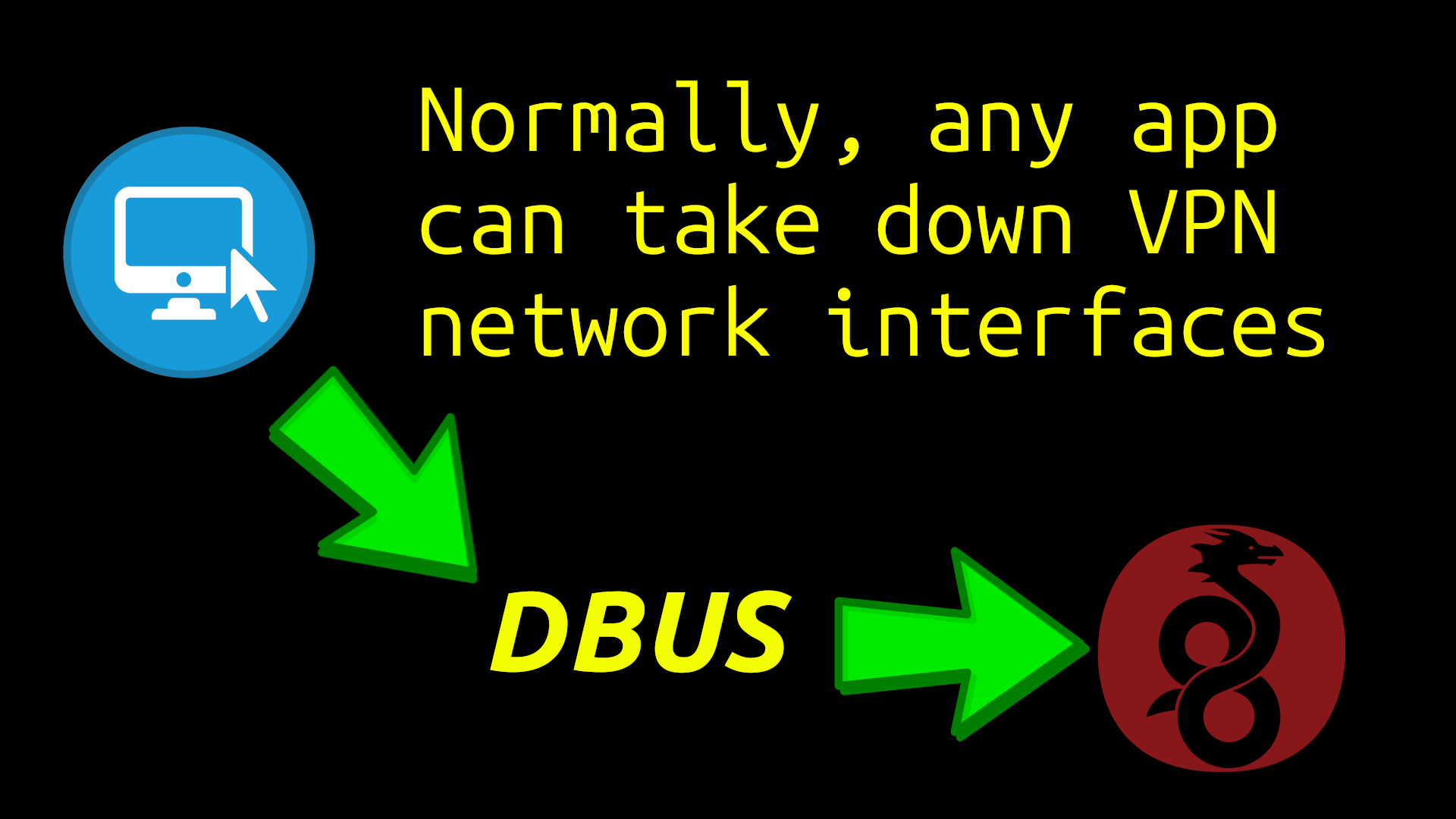 When we consider that having multiple web browsers for resisting fingerprinting means installing large amounts of new software. And when combined with any potential web browser vulnerability, or even malicious intent from Mozilla, Google, or other apps, this is a dangerous path for the privacy of end-users to be potentially compromised by sophisticated attackers.
Bubblewrap DBUS
To deal with these threats, HydraVeil bubblewraps the DBUS to prevent apps from touching the host’s networking interfaces and taking them down. This provides much stronger protection for the layer-1 ‘host’ Wireguard from these types of attacks. And these commands are found in the app’s init.ptl file.

bwrap \
$(find /run -mindepth 1 -maxdepth 1 ! -path /run/dbus -printf '--bind %p %p ' 2>/dev/null) \
From the app’s init.ptl files.
Demo Script & Video
Simplified Privacy has created a demo Linux bash script and a video to demonstrate both these types of attacks and HydraVeil’s solution. Please see the script’s article for instructions, video, and code.
Other VPNs
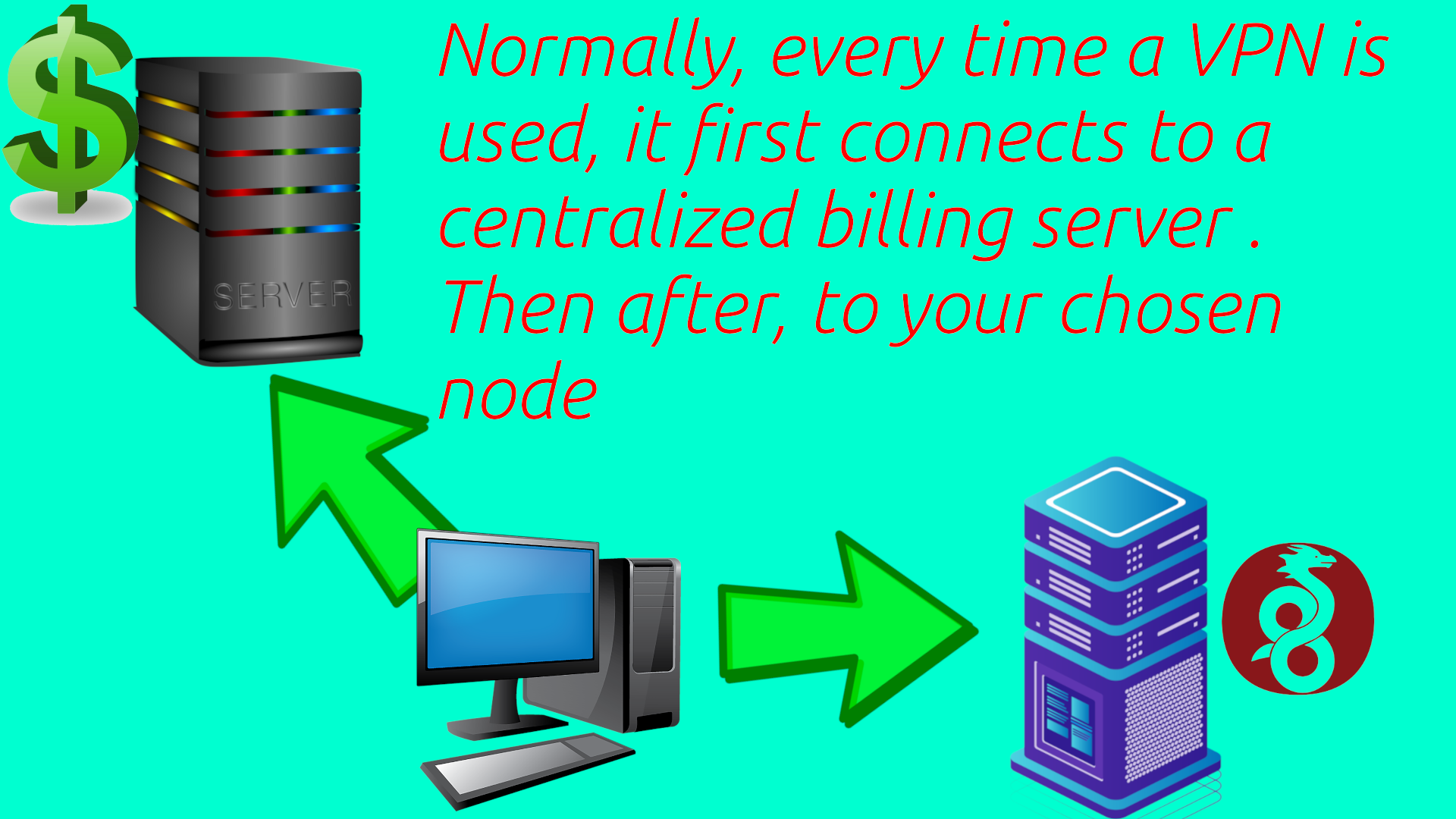
Most VPNs have the user connect to their centralized billing system on bootup to not only verify subscriptions, but also to dynamically get configurations on the fly. This means the VPN company can see every time it’s used or logged into.
Sudo Daemon
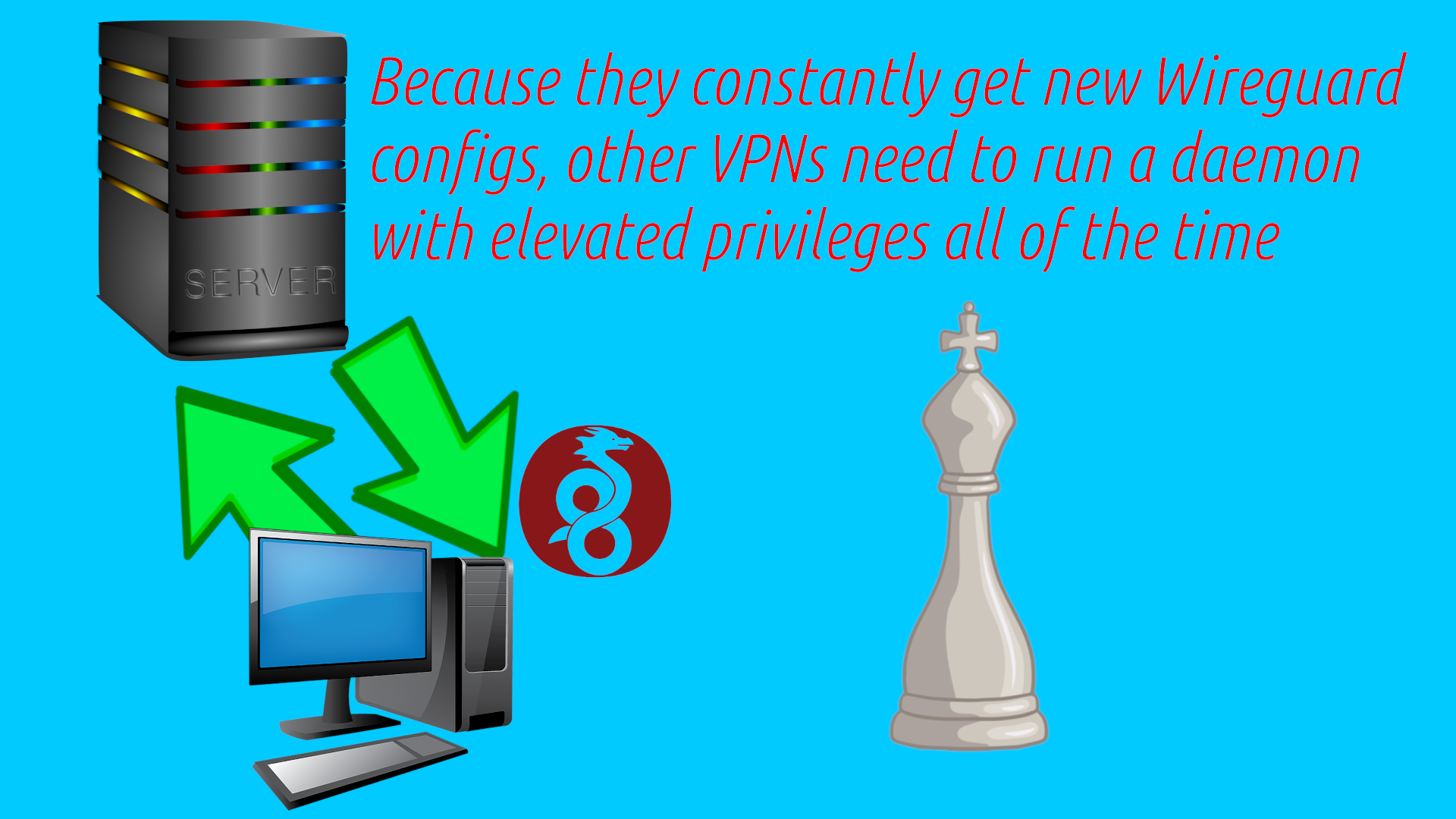
And most VPNs require running a 24-7 sudo daemon to dynamically insert configurations on the fly. These daemons may run as a SystemD service on startup, and often any app can access them. For example Proton VPN heavily relies upon this type of strategy. But these daemons increase the attack surface by having elevated privileges that run all the time.
No Sudo Daemon
Instead, HydraVeil saves Wireguard configuration files locally on the user’s computer, and uses disposable Wireproxy connections for frequent changes. The advantage of saving Wireguard configurations, Wireproxy, and having a direct connection flow, is that it eliminates the need for a constant sudo daemon. Because the user can keep the same system-wide connection continuously, and change IP addresses on the “layer-two” with Wireproxy.
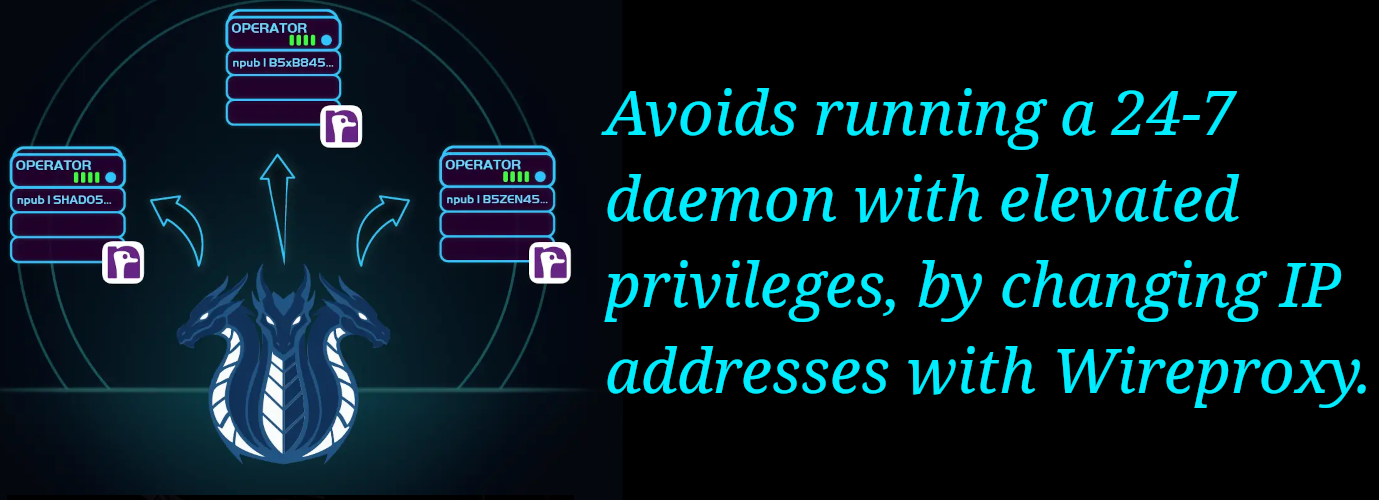
So HydraVeil allows the end-user to get the upside convenience of effortless IP address changes, but without the downside security burden of a 24-7 sudo daemon like other VPNs. We store the config in the /etc/ folder for security, and with nmcli, it only requires the sudo password a single time on the initial setup. And from then on, it can be used without entering the sudo password or requiring a constant daemon.
HydraVeil’s Direct Connections
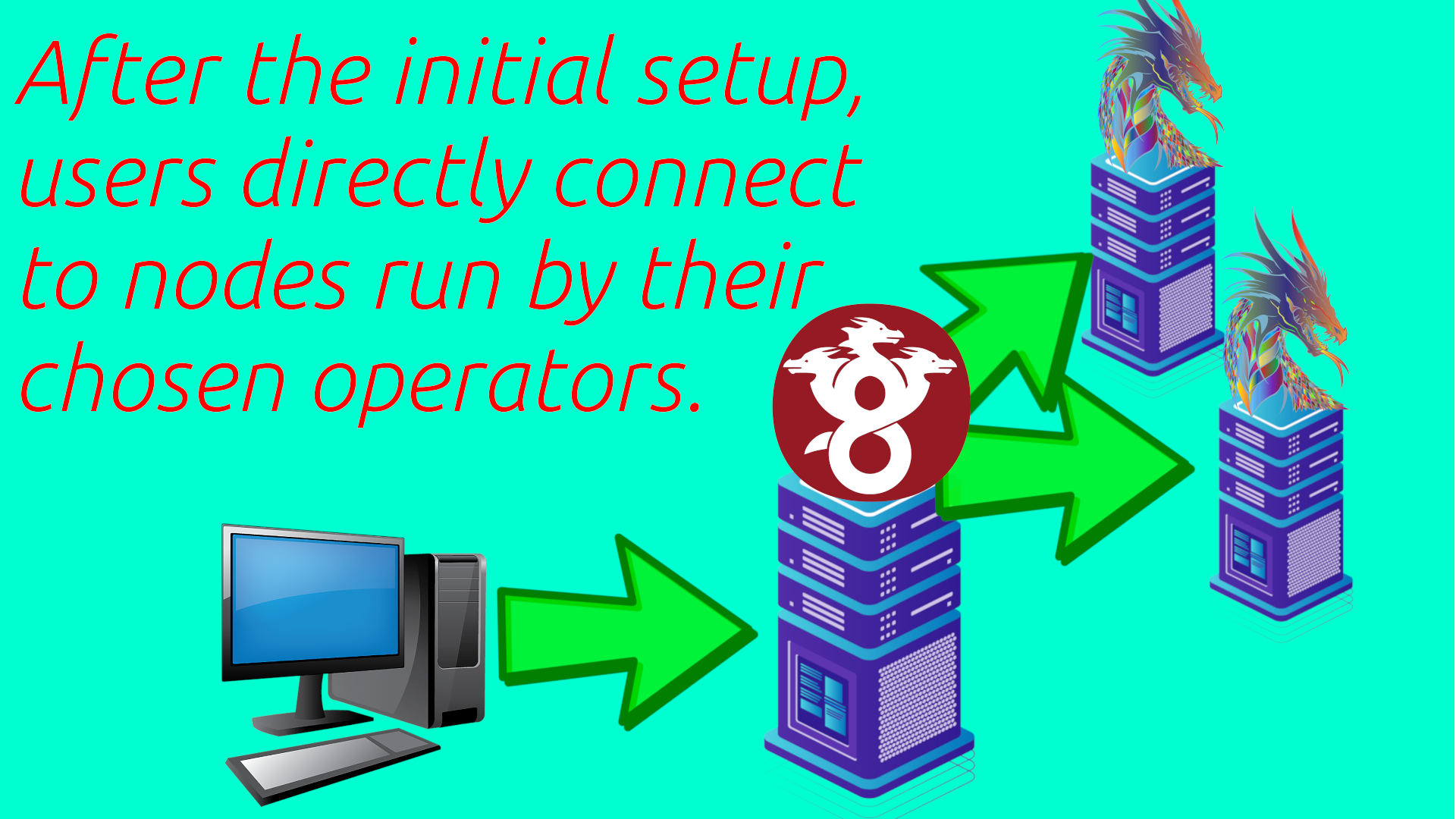
Also this approach, of saving Wireguard configurations for future use, is much more private. Because when the user hits connect, they first directly connect to their chosen operator for that profile, and only if it can’t connect does it contact the billing server. These helps to hide metadata from the billing server about which identities are the end-user, by avoiding contacting it each time a profile is used.
Relationship to Nostr
With isolated billing and two layers, this provides not only anonymity, but also accountability of operators as the user decides who to allocate these roles to. Ultimately the developers of HydraVeil look to let end-users decide which node operators to trust. And with multiple layers to minimize that trust as much as possible.
WireGuard Keys
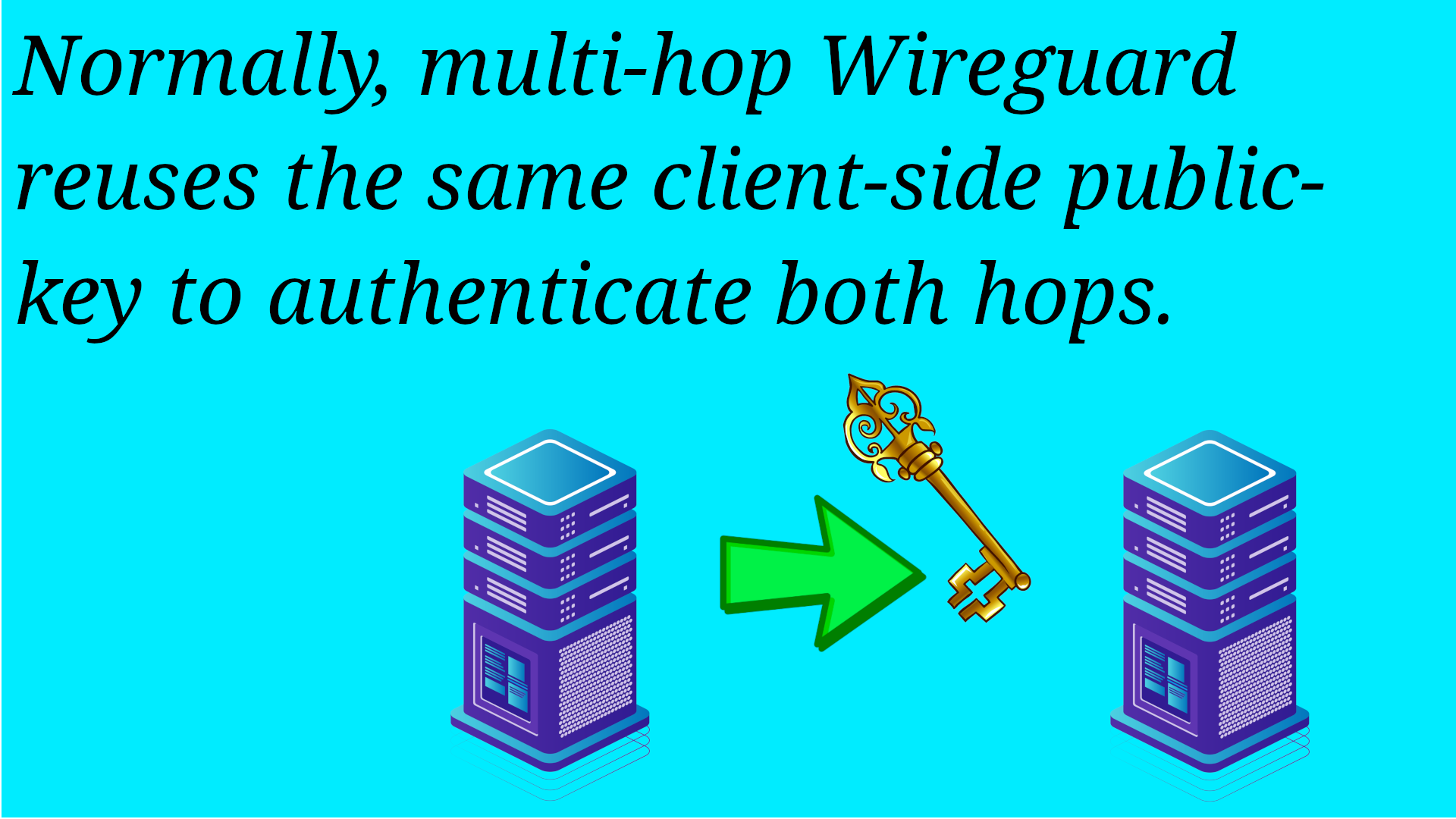
To setup an initial Wireguard tunnel, the client has a public key to identify itself. In traditional Wireguard, when it does multi-hop, it uses this same public key for both servers.
Key is like a Log
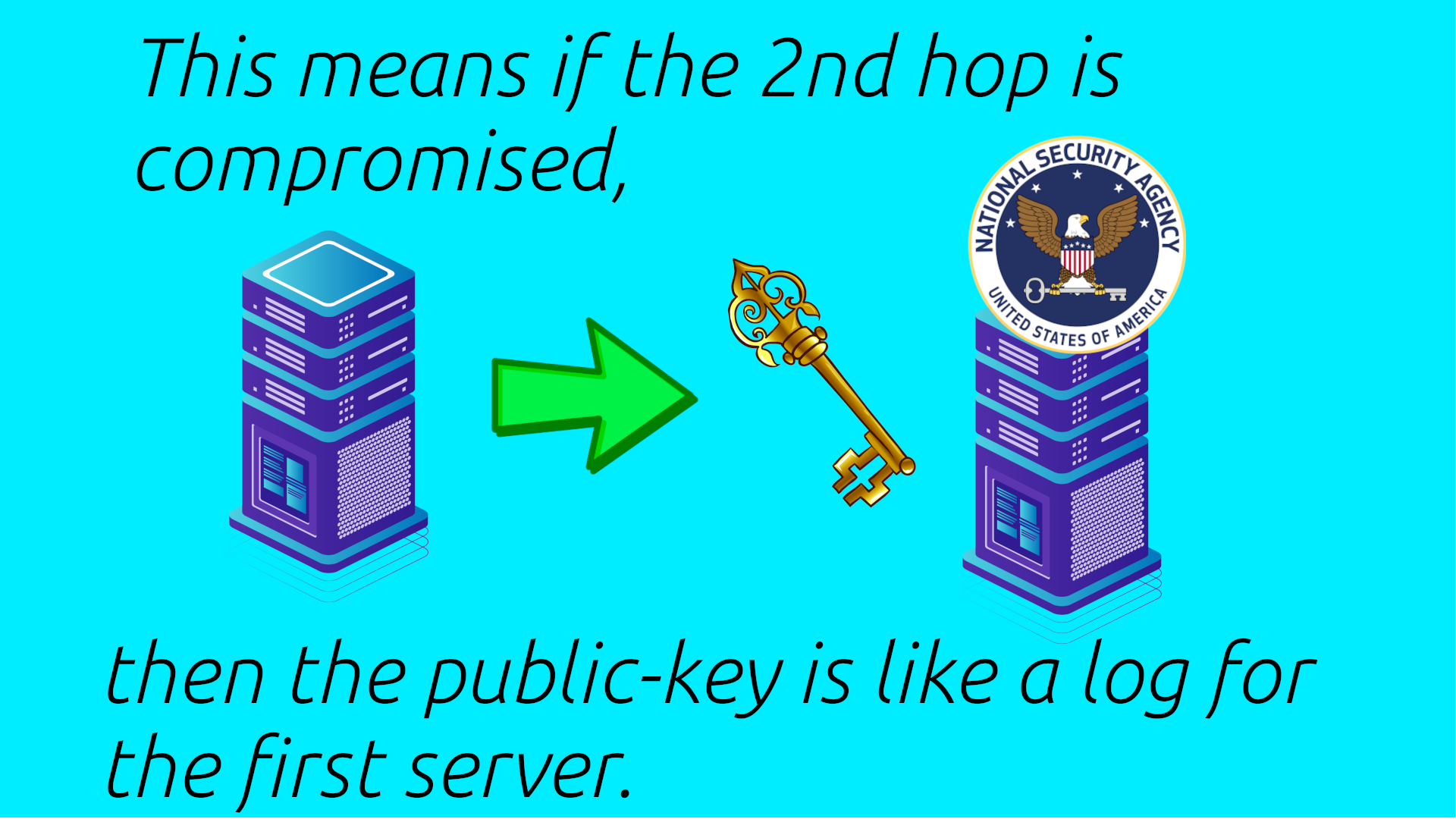
But this means if the second server is compromised, then the client’s public key is the starting point for an investigation into the first server.
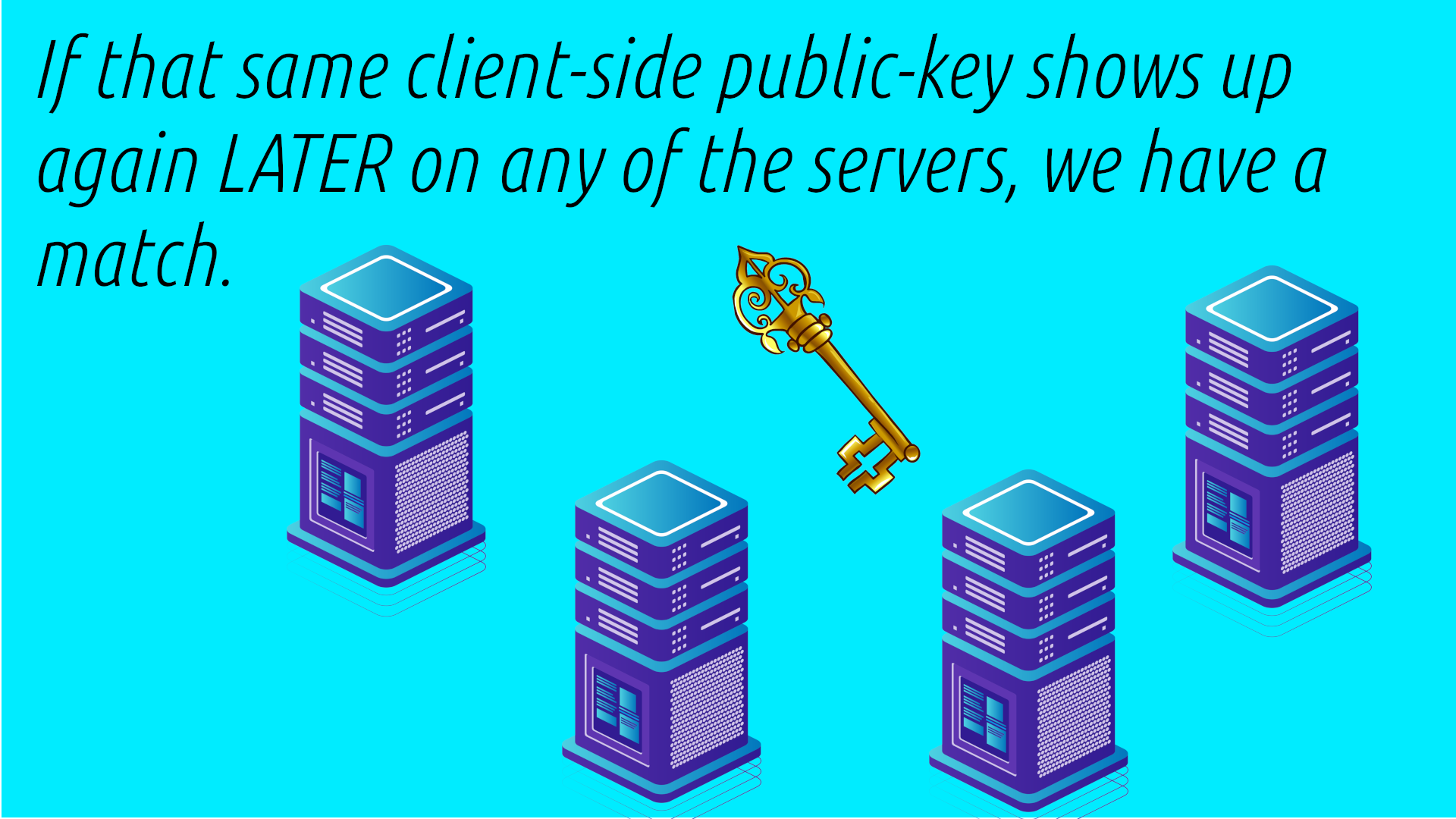
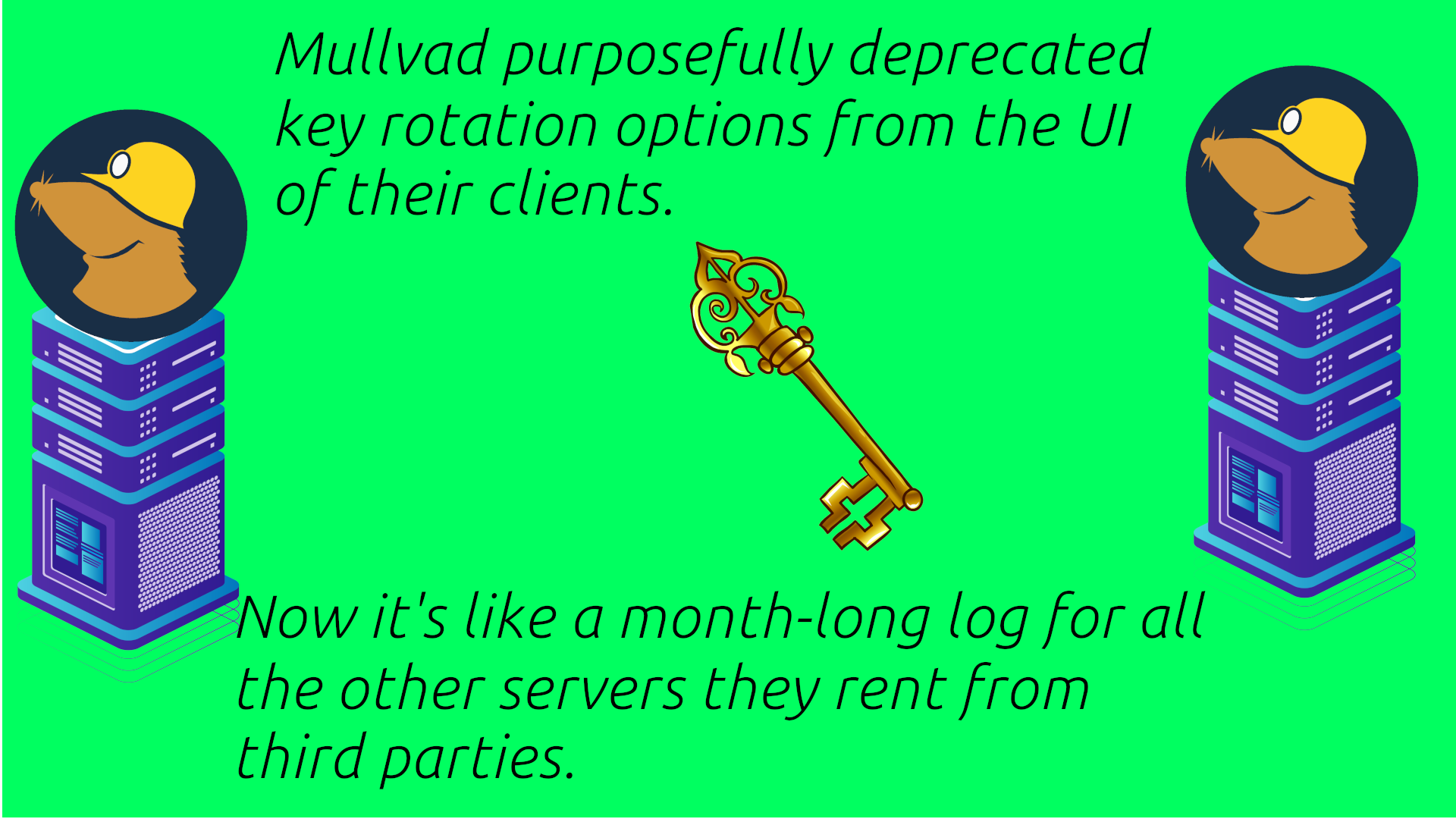
Now instead of the data being wiped forever, the attacker may have a long period of time to try to get access to other servers and see if that public key shows up again. And often VPNs rent servers from third parties in other countries, where they have limited ability to control if that business entity is forced to do memory dumps by that local government.
Mullvad’s Month
Mullvad completely depreciated config rotation from the UI of their Linux and Android clients. They force the user to logout and log back in to rotate. This is so they can save money on their billing server to not manage all of these changes. Now Mullvad does auto-rotate after a month, but that’s a very long time to essentially have a multi-hop log in the event of any of the 2nd hop servers being compromised. Also Mullvad has both anonymous and KYC identities using the same Wireguard public key.
Issues for Decentralization
This also presents serious problems for decentralized VPNs which may have third parties running servers that are not as well known by the end-user or coordinator.
Instead,
HydraVeil has each profile and layer with it’s own completely separate Wiregaurd configuration file and authentication key.
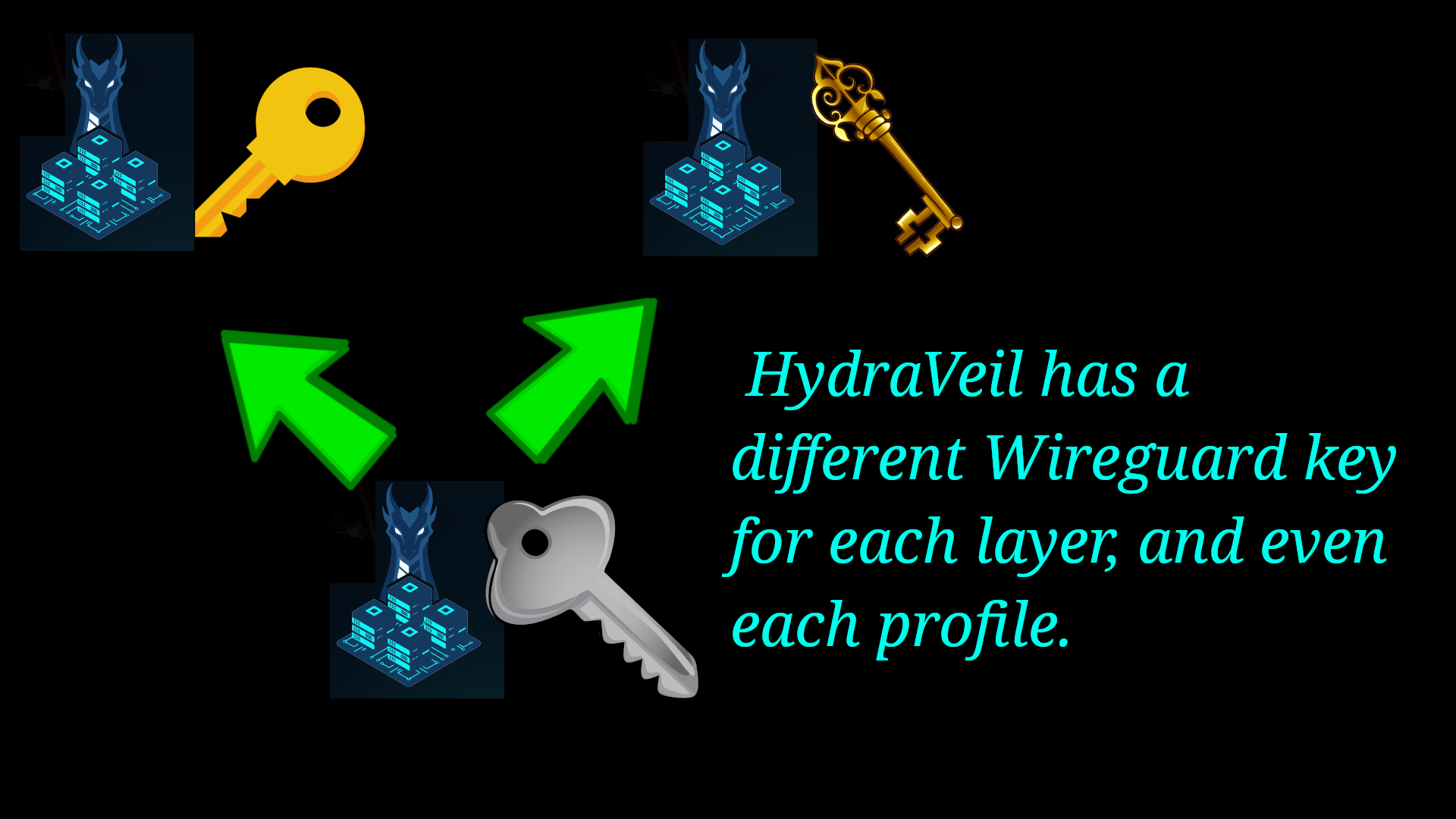
Not only does this protect the first layer from a compromised layer two. But it also protects layer-2 profile servers from one another, by isolating activity to only that profile.
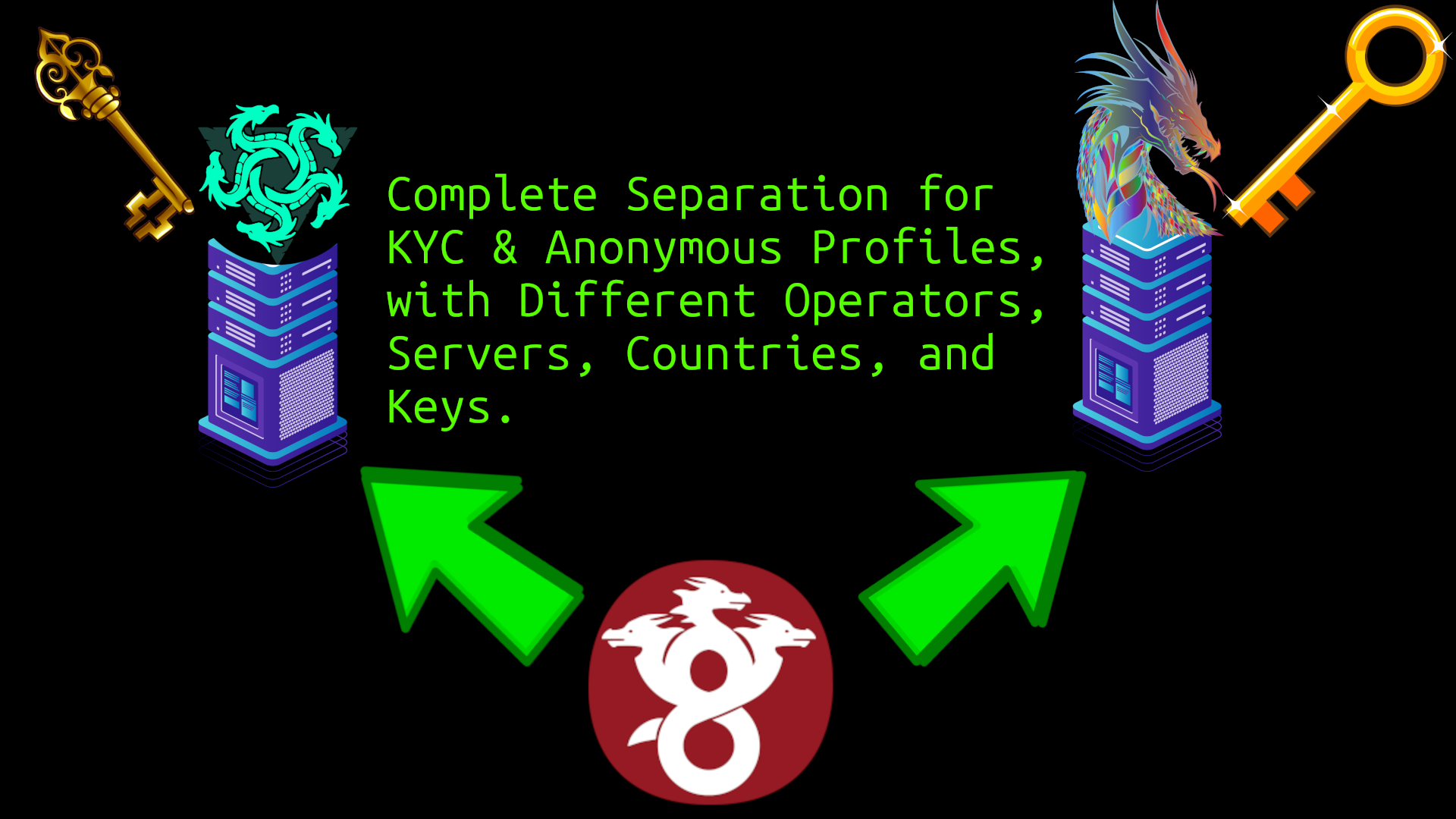
These files are stored in:
Systemwide
/etc/hydra-veil/profiles
Profiles / Browser
.config/hydra-veil/profiles/
Quantum Challenges
HydraVeil’s system also provides significant quantum resistance, by splitting up data into different profiles with different keys. An attacker would be attempting to brute force crack a server’s key for setting up initial tunnels, but it would only yield metadata for that profile. Instead of having both KYC and anonymous identities under the same key metadata and tunnel.
Fingerprint Implementation
HydraVeil uses a variety of tools in unique ways to create realistic browser fingerprints.
Screen Size
Letterboxing
Mozilla’s Letterboxing is used by Tor Browser, to disguise microscopic differences in pixels from one browser window size from another. But Fingerprint-com literally sells the tech to identify and track users through letterboxing across websites. And their company an API system in place to check across their thousands of partners, every hour, when the browser’s window size changes. This is just one of the numerous examples to suggest that without restricting Javascript, Tor Browser is useless. It’s basically Firefox with a new icon. And Fingerprint-com is just some company, imagine what state-level actors can do, that we don’t know about.
Xephyr
Xephyr is a pre-made developer tool to create isolated X11 windows on Linux. HydraVeil uses Xephyr in a number of ways. First to realistically fool websites into thinking the Xephyr window is the user’s real screen-size.
Rat Poison
Xephyr by itself would create a window, but not fill it. To have apps such as a web browser fill out the required screen resolution, we use the very lightweight graphical environment ratpoison.
Organic Screen Size
In the selection of Xephyr & Ratpoison compared to alternatives, we were looking for the most realistic environment, while providing the least negative downsides. To aid in this selection process, we used evaluation tools such as the website deviceinfo.me to see how Javascript fingerprinters perceive artificial environments.
According to deviceinfo.me, Xephyr with Ratpoison did not trigger an artificial reading for the external window size, compared to Tor Browser which shows it as ‘spoofed’.
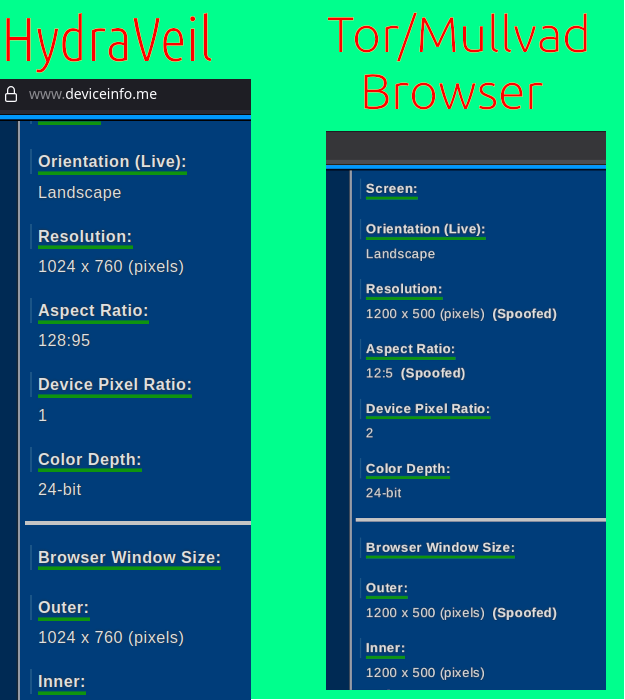
And Xephyr & Ratpoison offered this without any performance negatives, with an instant load and no effect on graphics. This is far faster to load and use as a daily driver than KVM virtual machines, especially when we consider VM setup times.
Cage the Browser
Another issue with Tor Browser’s screen size spoofing, is the user can accidentally full-screen the window, and the facade is over. To avoid this problem, HydraVeil puts web browsers in a tool called the cage. The cage prevents the window from being resized outside of the chosen dimensions, to completely end this source of leak.
Graphical Separation
One of the criticisms of X11 graphical environments for Linux is the lack of graphical separation between apps. So any app can see the typing, chats, and all displayed data of all other apps. This has negatives for things such as a password manager, and presents challenges for users who might be forced to download many different web browsers to avoid fingerprinting, which again means fully trusting large amounts of new software.
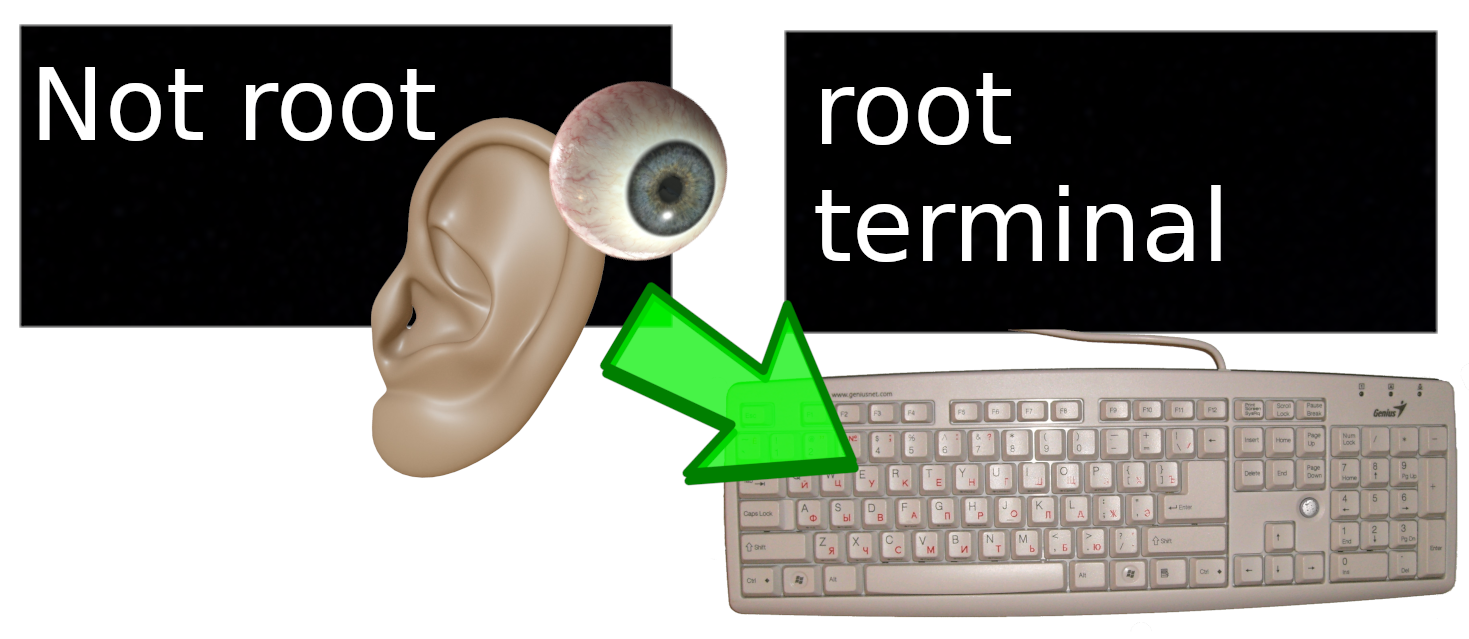
Wayland
Wayland solves most of these X11 issues, however not all the Linux distros and users have shifted over. Users should be switching over to Wayland, but some software still has Wayland compatibility issues. And this has been the case for many years.
Graphical Isolation
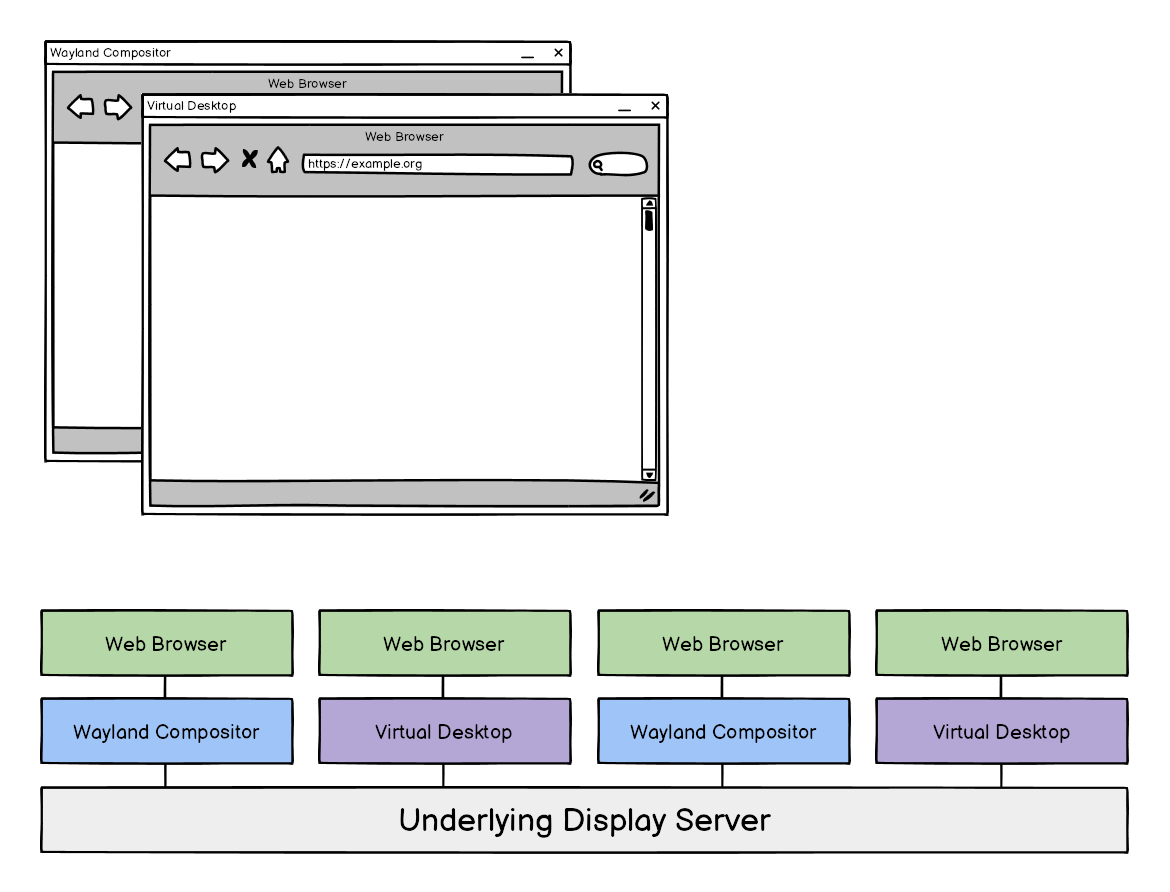
Not only does HydraVeil use Xephyr to provide screen size and timezone privacy, but it also gives graphical isolation for apps, without requiring end-users to change OS or make potentially breaking changes.
External Timezone
VPNs change the user’s IP address, but not the timezone of their computer’s clock. If there is a mismatch between these, it can provide a backdrop for unique identification from surveillance firms such as Fingerprint-com, and/or be used to haze users for VPN-use from bot detection firms such as Cloudflare and Google.
UTC Liars
Some browsers such as Tor Browser, Mullvad, and Librewolf change the timezone to UTC inside the browser, regardless of what country is being exited as an IP address. But this often conflicts with the timezone of their IP address, and may lead to triggering fraud related security systems for eCommerce or bot detection on social media. Additionally, by doing it in the web browser with spoofing techniques, it is much more vulnerable to an attacker to find the underlying timezone data.
Geoclue
Even worse, many web browsers such as Firefox are pre-configured to allow tools such as geoclue to access the user’s timezone and location. Although geoclue can of course be disabled, an attacker can try to abuse it (or other tools like it) against the will of the end-user to get access to timezone data. In older versions of Linux Mint, geoclue is enabled in the OS config levels by default. This provides a reason to do timezone modifications outside of the browser.
In the Graphical Environment
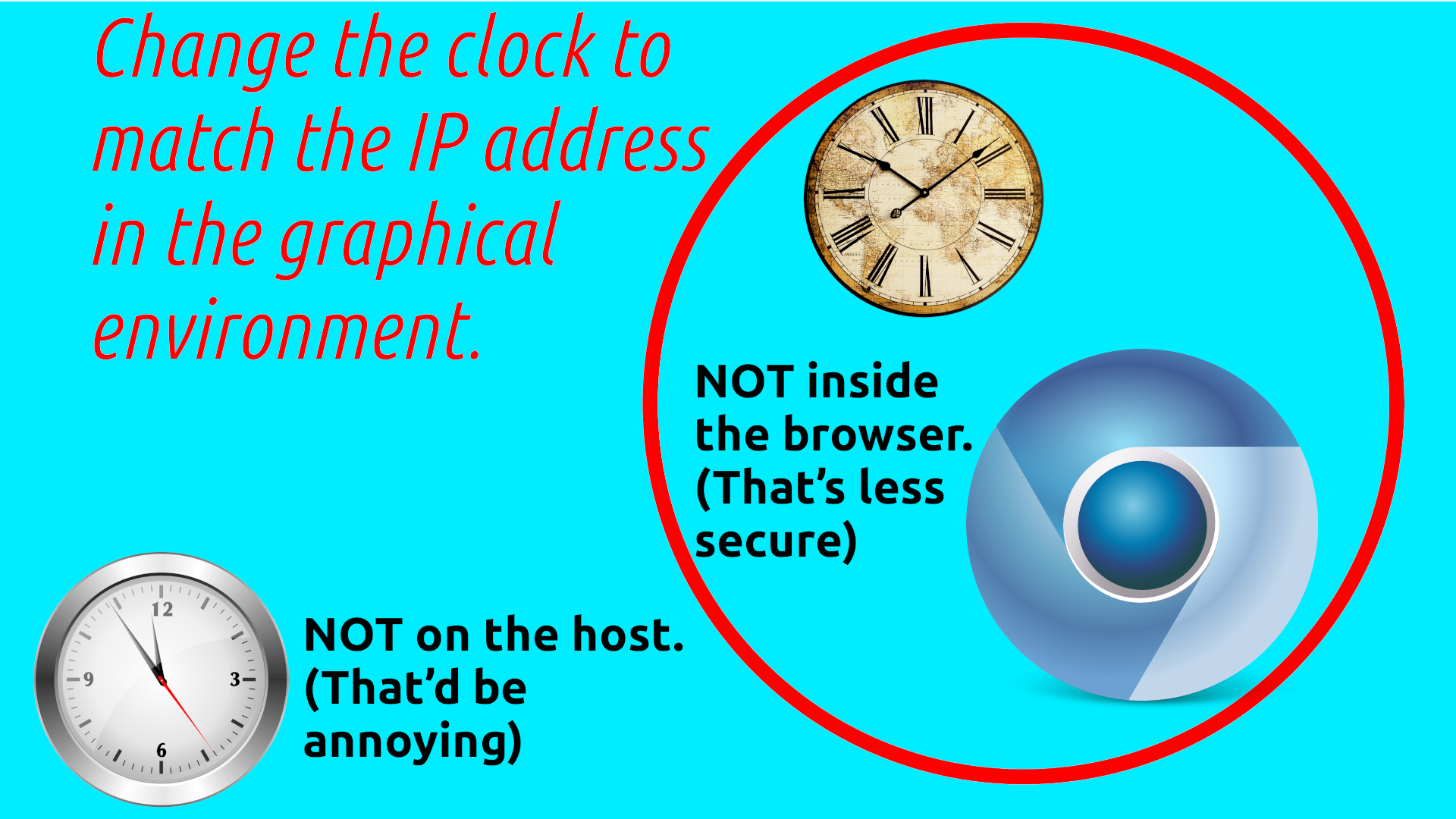
Within this context, HydraVeil utilizes the Xephyr graphical environment to change the timezone. The timezone is listed in the Wireguard configuration file as a comment, which is ignored by Wireproxy and nmcli. But the HydraVeil client parses it, and then modifies Xephyr to match the timezone to the IP address. And of course this doesn’t touch the user’s host computer timezone, which would be annoying and invasive.
Managed Fonts
Which fonts are installed on a user’s system is a fingerprintable trait, especially if any of these fonts stray from outside the defaults of the most popular distros. As we discussed in a previous article, some versions of Librewolf and Firefox present the same exact identifiable combinations of fonts.
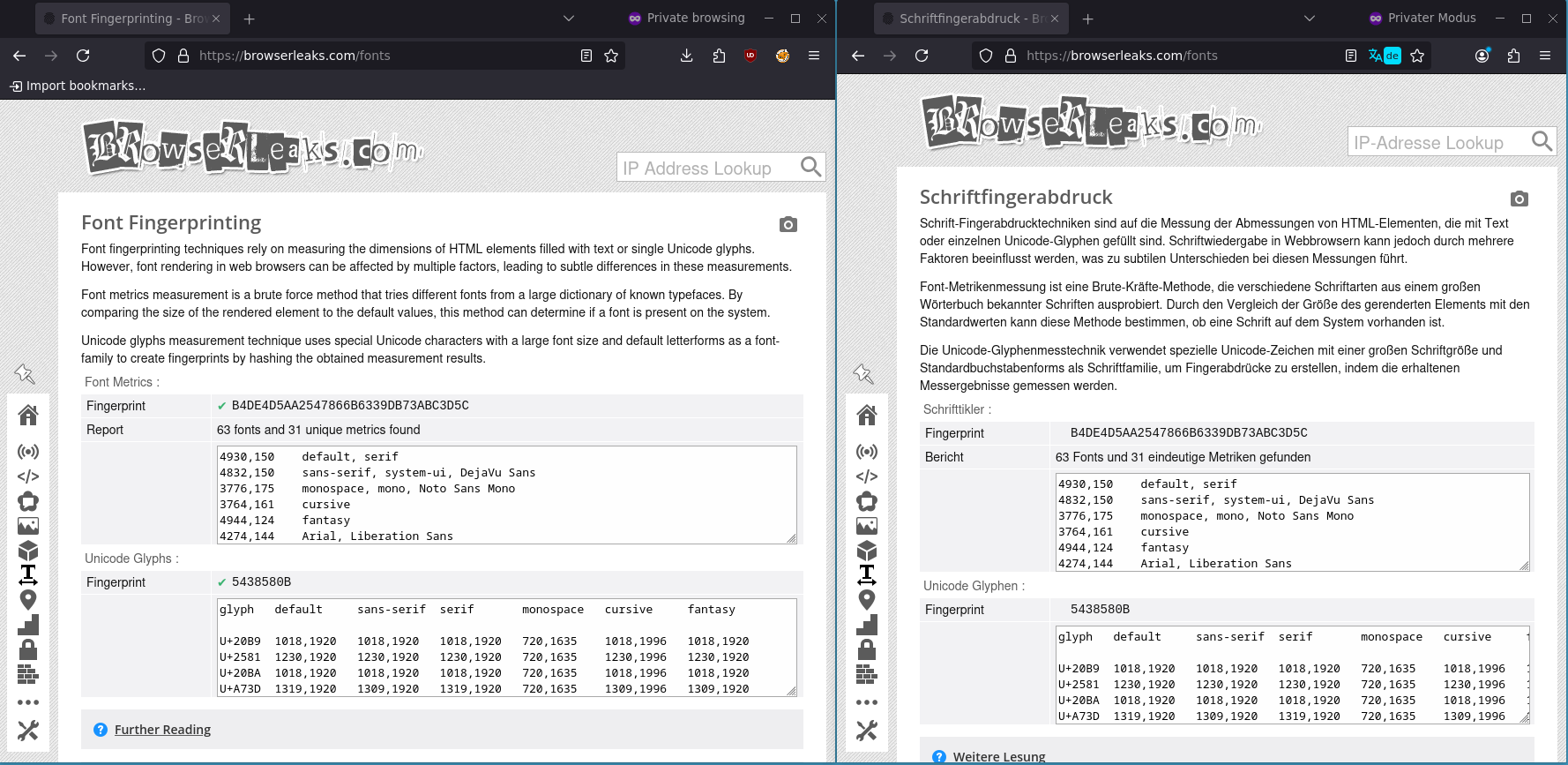
To guard against font fingerprinting, HydraVeil creates a unique set of fonts for each profile. It randomly selects fonts from popular pre-made choices, as well as the user’s own system fonts. This is happening outside the browser, within the profile’s environment.
Location of Fonts
Each profile has it’s own folder for the storage of font ttf files. This can be found in the fonts folder inside the associated profile number of:
~/.local/share/hydra-veil/profiles
Managed Canvas
The web browser canvas can be used to identify users if not properly managed. HydraVeil does this within the browser, and it’s randomized every time the profile is opened. All browser configuration files are open source, transparent, and visible to the end-user without obfuscation.
WebGL
All web browsers are configured to disable WebGL. We are open to expanding the project in the future to other solutions, but this measure handles the problem for now.
Browser Telemetry & Configurations
Most popular Linux distros pre-package vanilla Firefox with significant telemetry and spyware back to Mozilla. The average user does not have time to configure these settings, and may potentially find it too complex a topic to bother. This problem becomes even worse, when you take into account having many different web browsers to avoid fingerprinting.
Enterprise Resource Policies
HydraVeil seeks to ease the pain of this problem, by providing an in-house browser distribution, with telemetry disabled and the appropriate settings for privacy. We do this using Enterprise Resource Policies, which are pre-configured settings that can be packaged for managing a browser environment. We utilize Enterprise Resource Policies to set the ports for Wireproxy and/or Tor/Socks5-proxies. And these exact policies can be viewed in the “about:policies” section of each web browser.

Application Type & Data
This could be used for other apps beyond web browsers. HydraVeil is compatible with any app that has a portable version. The same application could be used for different profiles, as the app and it’s related state files are stored separately.
Applications are Stored in:
.local/share/hydra-veil/applications
State Folder:
But each profile has it’s own state files:
.local/share/hydra-veil/profiles/1/persistent-state
As well as the
Storage of Fonts:
.local/share/hydra-veil/profiles/1
Server-side
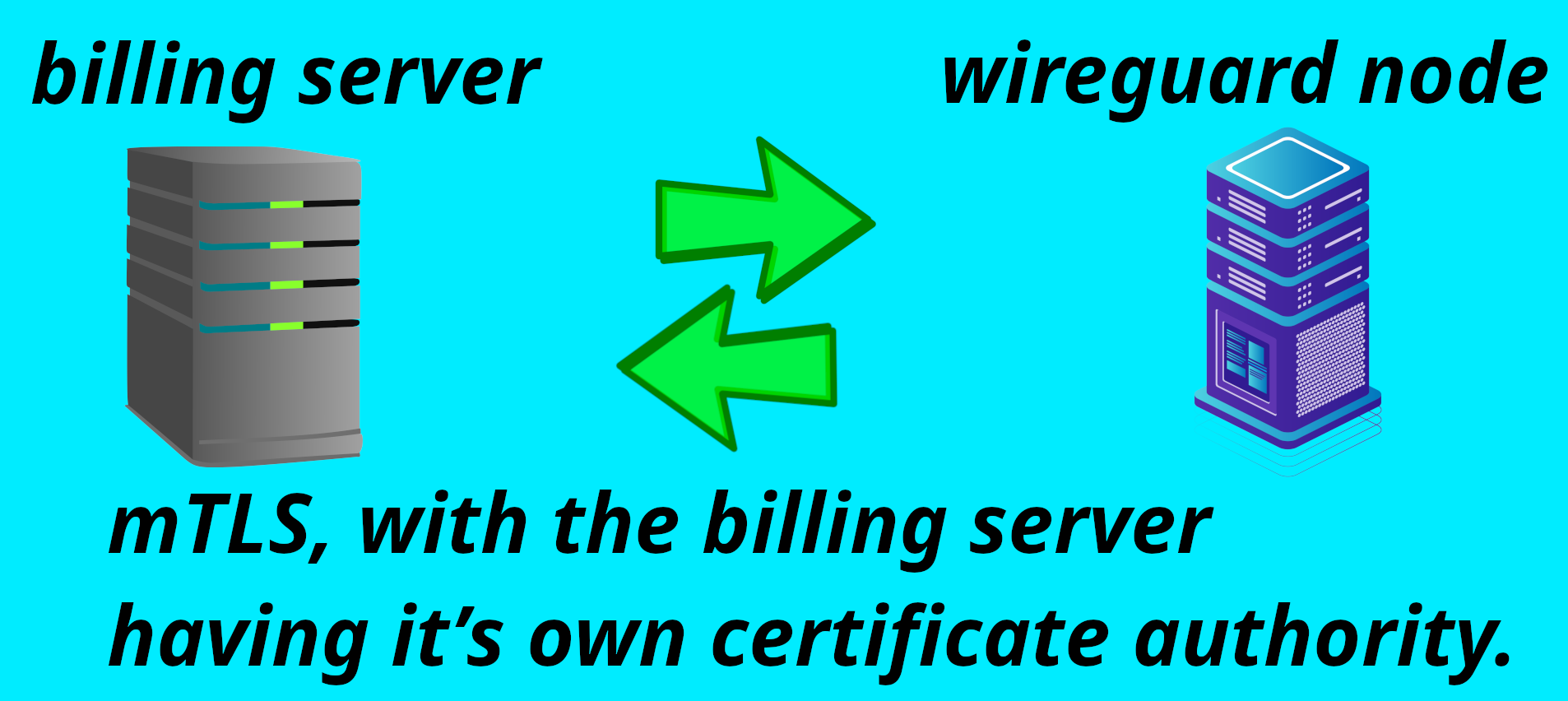
The HydraVeil network encrypts customer Wireguard configs, between the billing server and the Wireguard node, using mTLS. While the Wireguard node can use any domain name, the billing server exclusively uses our own certificate authority. This not only protects metadata, but also provides significant security to the Wireguard node API. Because any server not signed by this authority, can’t even begin to open a connection. Let alone test that Wireguard node’s API password.
Offline Cold Storage
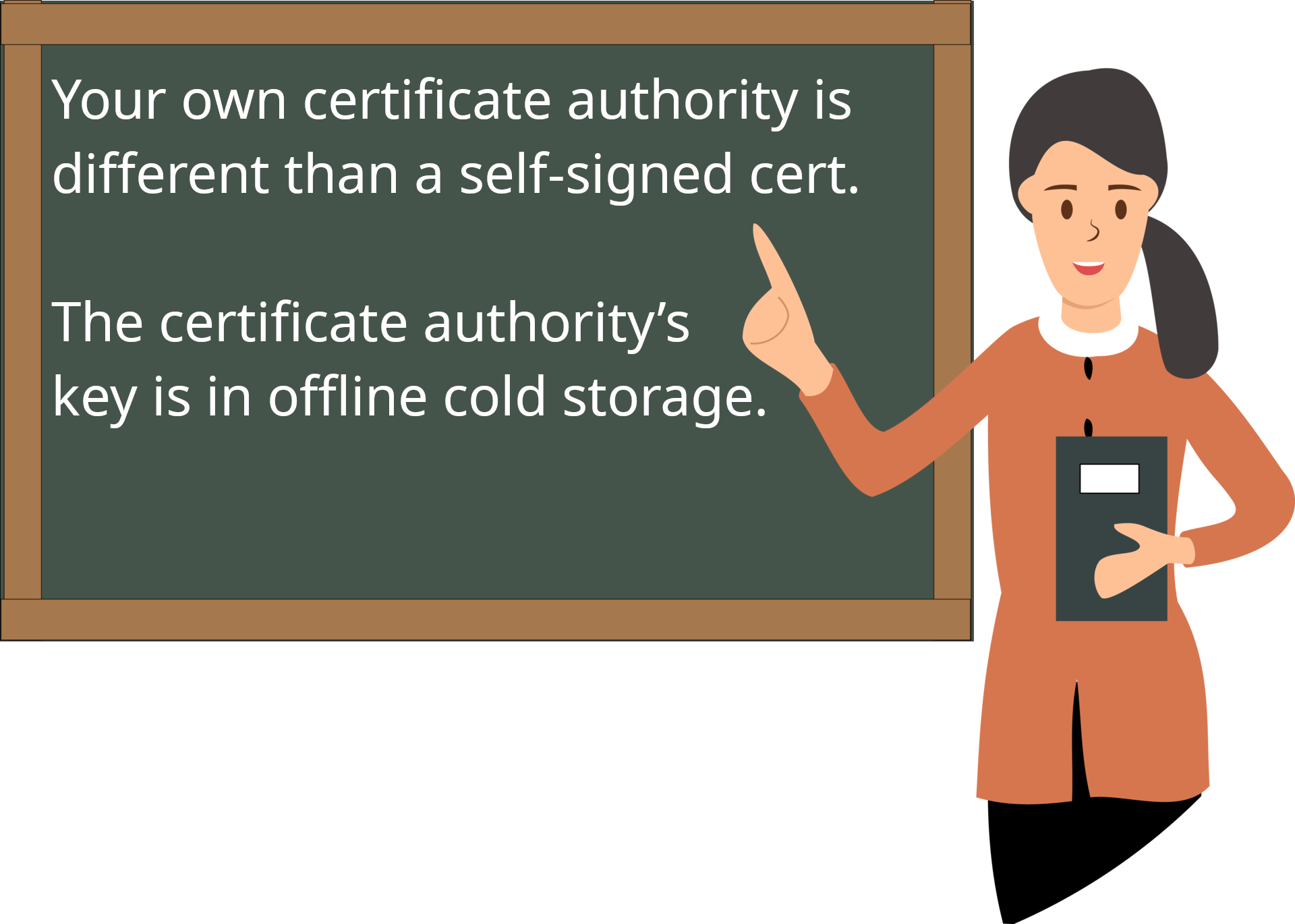
A certificate authority is different than a self-signed cert, because the authority’s key is kept in offline cold storage. This key then authenticates the billing server, and the public key is recognized as the true authority on all the wireguard nodes.
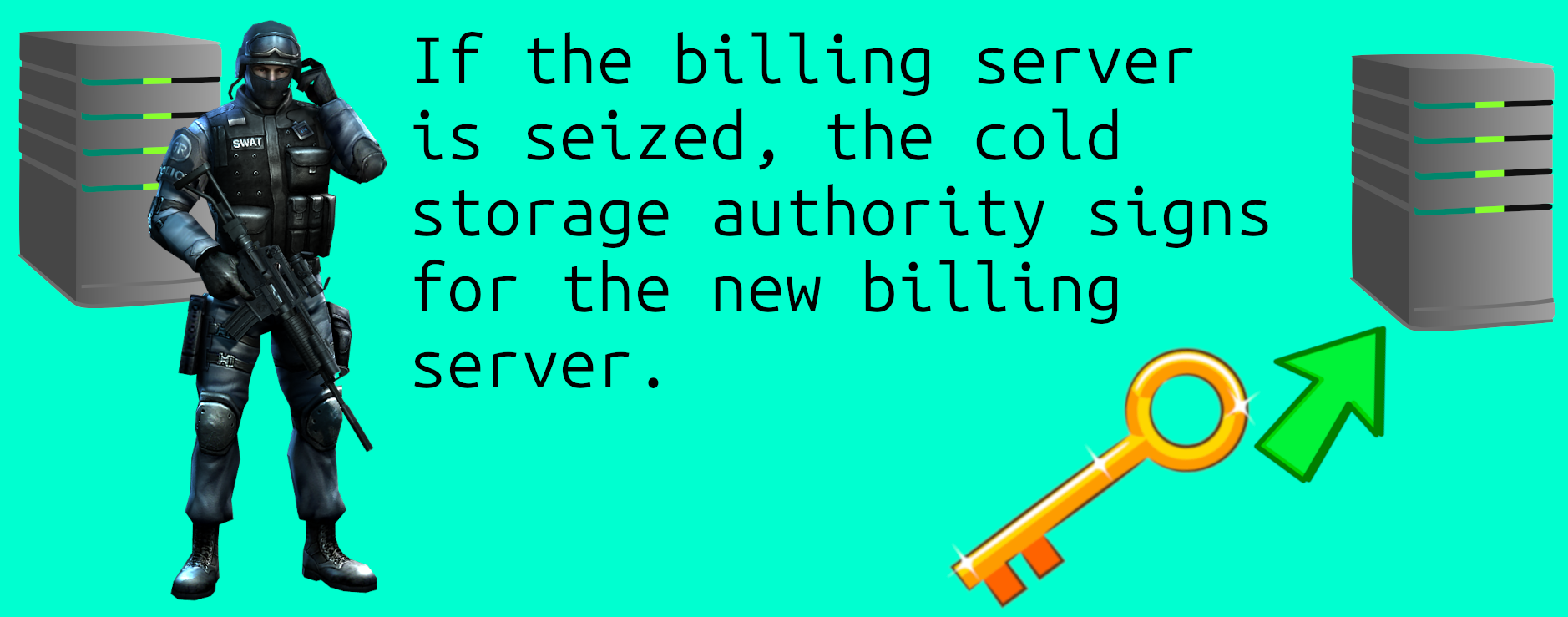
If the billing server is under duress, the cert authority can sign for a new billing server.
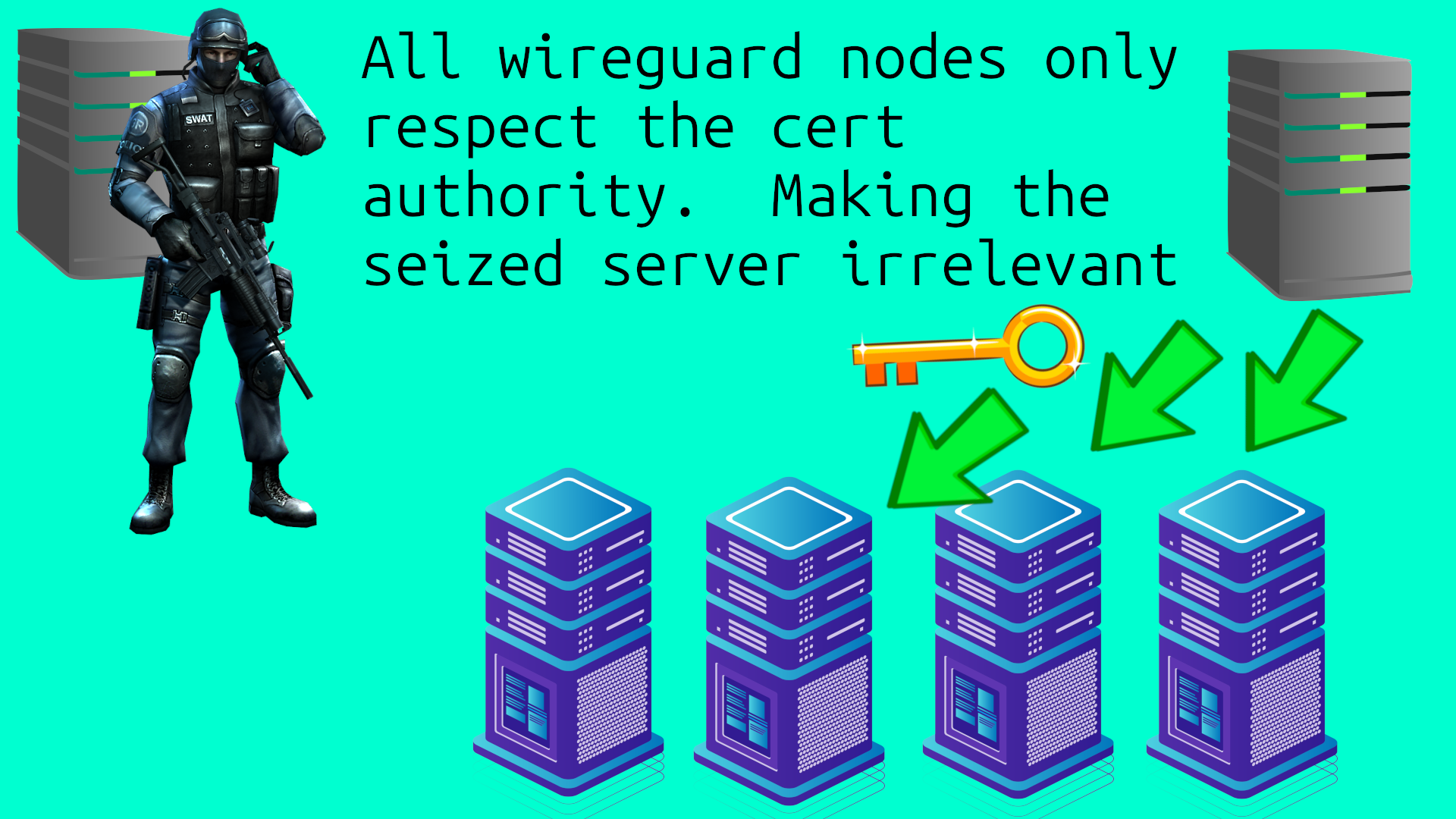
This provides some censorship resistance, to prevent the compromised billing server from contacting the Wireguard node APIs in the future. Since the Wireguard nodes all have the certificate authority’s key, to recognize that previous billing server no longer has a valid cert.
Note: This is far from perfect, and a compromised billing server could still wreck a lot of temporary havoc. But it would not permanently take down the service. And it avoids us having to print our own cryptocurrency to get some censorship resistance, which means an endless focus on making yet another new coin. When we should be focusing on making things people actually want to buy.
Conclusion
In summary, HydraVeil offers:
Privacy
-Realistic screen-size faking
-Timezone matching to the IP-address
-Managed fonts per profile
-Managed web browser canvas
-Isolated Profile Billing
-Convenient Anonymity
Security
Bubblewrap Filesystem isolation
Bubblewrap DBUS blocking
Graphical/Keyboard isolation
Avoids a 24-7 sudo daemon
Networking
-Artificial networking environment
-Two layers of networking
-Masked Tor, via Tor->socks5 proxy
-Or Two layers of Wireguard for speed
-Wireproxy on the 2nd Layer
-Wireguard Key Isolation. (Uses Two Different Wireguard configs, which is unique for multi-hop.)
Unique Decentralization
-Encryption verification of VPN operators
-Use of ed25519 and Nostr
-Directly connects to the chosen node, to:
-Avoid contacting billing server each time
Browser Distro
-Telemetry stripped from Browsers
-Eases the Burden of Managing many browsers
-Uses Enterprise Resource Policies to manage settings
Sources:
[1]
Victor S. Miller
“Short Programs for functions on Curves”
Exploratory Computer Science, IBM, Thomas J. Watson Research Center, Yorktown Heights, NY 10598, May 6, 1986
https://crypto.stanford.edu/miller/
[2]
Boneh, D., Lynn, B., Shacham, H. (2001).
Short Signatures from the Weil Pairing. In: Boyd, C. (eds) Advances in Cryptology
ASIACRYPT 2001. Lecture Notes in Computer Science, vol 2248. Springer, Berlin, Heidelberg.
https://doi.org/10.1007/3-540-45682-1_30
https://link.springer.com/content/pdf/10.1007/3-540-45682-1_30.pdf
[3]
Chaum, D. (1983).
Blind Signatures for Untraceable Payments. In: Chaum, D., Rivest, R.L., Sherman, A.T. (eds) Advances in Cryptology. Springer, Boston, MA.
https://doi.org/10.1007/978-1-4757-0602-4_18
[4]
Constantin Popescu (2010).
“Blind Signature Schemes Based on the Elliptic Curve Discrete Logarithm Problem”
Studies in Informatics and Control, Vol. 19, No. 4, pp. 397–402
DOI: https://doi.org/10.24846/v19i4y201007
[5]
Alexandra Boldyreva (2003)
“Threshold Signatures, Multisignatures and Blind Signatures Based on the Gap-Diffie-Hellman-Group Signature Scheme”
Alexandra Boldyreva, PKC 2003.
DOI: https://doi.org/10.1007/3-540-36288-6_3
[6]
Sean Bowe (2017)
BLS12-381: New zk-SNARK Elliptic Curve Construction
Electric Coin. Zcash Blog. March 11, 2017
https://electriccoin.co/blog/new-snark-curve/
[7]
Menezes, A., Sarkar, P., Singh, S. (2017).
Challenges with Assessing the Impact of NFS Advances on the Security of Pairing-Based Cryptography. In: Phan, RW., Yung, M. (eds) Paradigms in Cryptology – Mycrypt 2016. Malicious and Exploratory Cryptology. Mycrypt 2016. Lecture Notes in Computer Science(), vol 10311. Springer, Cham. https://doi.org/10.1007/978-3-319-61273-7_5
[8]
Roche, T., Imbert, L., Lomné, V. (2020).
Side-Channel Attacks on Blinded Scalar Multiplications Revisited.
In: Belaïd, S., Güneysu, T. (eds) Smart Card Research and Advanced Applications. CARDIS 2019. Lecture Notes in Computer Science(), vol 11833. Springer, Cham. https://doi.org/10.1007/978-3-030-42068-0_6
[9]
Fouque, PA., Valette, F. (2003).
The Doubling Attack – Why Upwards Is Better than Downwards.
In: Walter, C.D., Koç, Ç.K., Paar, C. (eds) Cryptographic Hardware and Embedded Systems - CHES 2003. CHES 2003. Lecture Notes in Computer Science, vol 2779. Springer, Berlin, Heidelberg. https://doi.org/10.1007/978-3-540-45238-6_22
https://link.springer.com/chapter/10.1007/978-3-540-45238-6_22
& Also in:
DCSSI Crypto Lab, Paris, France
https://www.di.ens.fr/~fouque/pub/ches03b.pdf
If you really want to learn and take your privacy to the next level, Learn about HydraVeil,
Access our VPN, and subscribe to our new content via:
Podcast,
Email List,
Nostr,
Bastyon,
RSS,
or join the Signal Group
Related Posts

Tickets are Now Nearly Instant | HydraVeil 2.8.0
The cryptographic math is now compiled in C.
[SP]
Sep 22, 2026
Identity Respawn | HydraVeil 2.7.8
Now when you delete a profile, you get an encryption-based ticket back, turning you into a new person.
[SP]
Aug 20, 2026

Diamond in the Rough | HydraVeil 2.7.7
A face lift for the API connections
[SP]
Aug 7, 2026

Epic Firewall | HydraVeil 2.6.7
We're laying the foundation for multi-protocol obfuscation with advanced firewall features.
[SP]
Jul 28, 2026